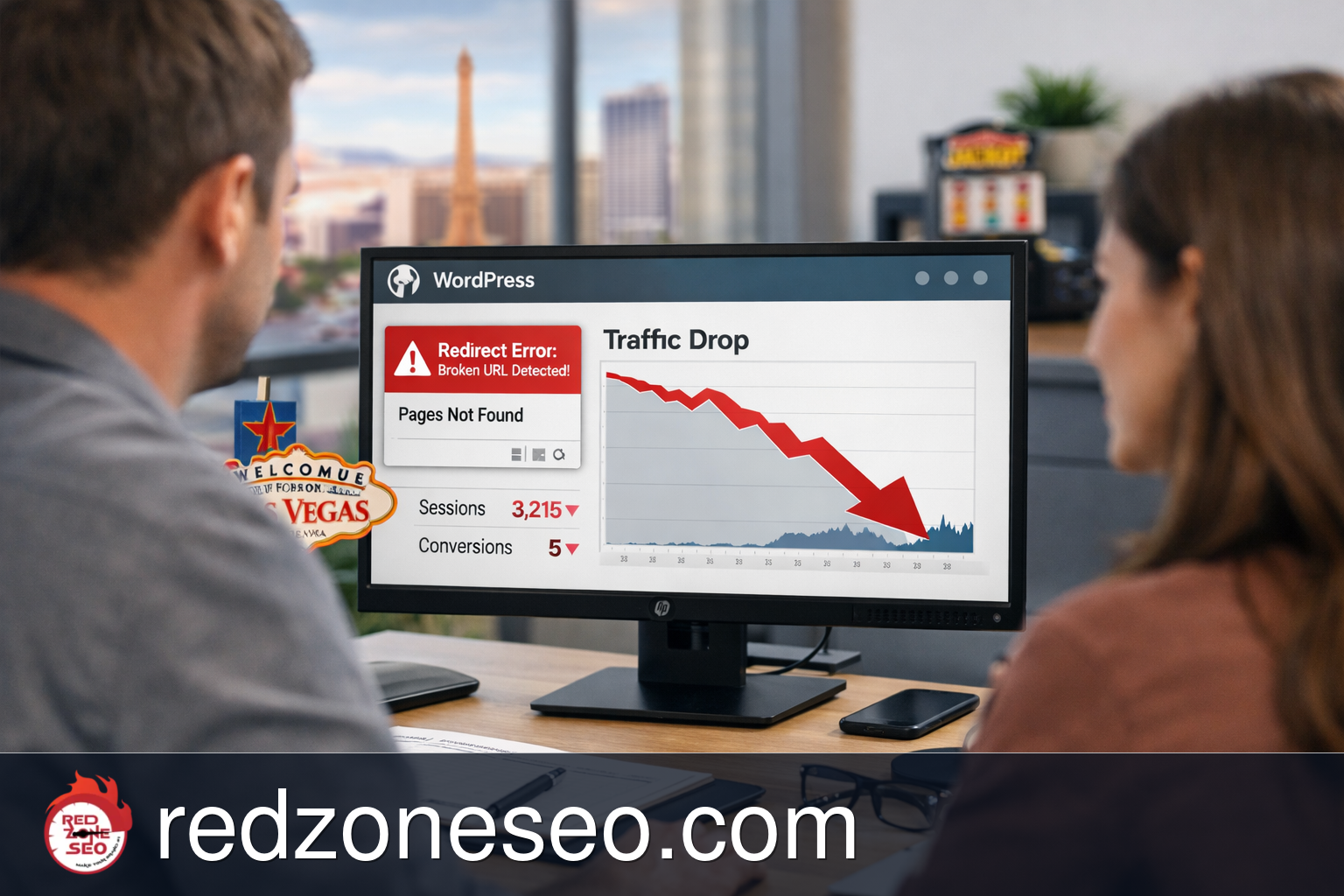
Redirect mistakes are one of the fastest ways to damage a WordPress site's search visibility without realizing it right away. A page slug changes, a plugin adds the wrong rule, a redesign moves URLs, or a developer pushes an update that sends old pages to the homepage. Then rankings slide, leads slow down, and Google starts wasting crawl attention on the wrong paths.
If you are dealing with a traffic drop after URL change, this article explains what to check, what a practical seo recovery after bad redirects process looks like, and when a Las Vegas or Henderson business should stop testing quick fixes and bring in WordPress SEO help.
For businesses that rely on local leads instead of enterprise traffic, redirect problems are not a technical side note. They directly affect calls, form submissions, map visibility, and whether your best service pages can still rank. That is why WordPress SEO services often include redirect review, URL repair, and indexing checks after site changes.
In plain English, a redirect tells browsers and search engines that a page moved from one URL to another. When that instruction is correct, it helps preserve SEO signals. When it is wrong, incomplete, or inconsistent, it can break rankings in ways that are easy to miss at first.
A bad redirect or broken URL update can cause:
For a Las Vegas small business, this can look like a page that used to rank for a service plus city term suddenly disappearing after a permalink change. A Henderson business may update page names to “clean things up,” only to find that searches related to henderson seo services or seo services henderson no longer land on the intended page. The site still exists, but the URL signals no longer line up.
WordPress sites are especially vulnerable because URL changes can happen in several places:
Not every ranking drop comes from redirects. Seasonal demand, stronger competitors, weak content, and technical indexing problems can also cause losses. But if the drop started right after a URL change, redesign, migration, plugin update, or page cleanup, redirect damage moves near the top of the list.
This matters because the longer bad redirects stay in place, the more search engines reinforce the wrong signals. Google may keep trying outdated URLs, users may bounce from broken pages, and valuable backlinks may stop helping if they point into dead or misrouted pages.
Many business owners do not realize they have WordPress redirect errors until they notice leads slowing down. Below are common signs that a redirect issue may be behind the drop.
If you changed slugs, renamed service pages, merged content, changed categories, or rebuilt page paths and then saw a traffic drop after URL change, that timing matters. A normal SEO fluctuation usually does not line up so neatly with a known site edit.
This is one of the most common bad redirects SEO fix situations. Sending every removed page to the homepage might feel like a simple cleanup, but it usually creates relevance loss. Google expects the closest matching destination, not a catch-all redirect.
After a URL change, Search Console may show:

Any one of these may be fine in context, but a sudden spike after a WordPress update is a warning sign.
If people click an old service page URL from a directory listing, social post, or another website and land on an error page, your site is losing both user trust and search value.
This is especially painful for local businesses in Las Vegas and Henderson. If your page targeting a specific service area was renamed or rolled into another page without clean redirects, that local relevance can disappear.
A redirect chain means URL A goes to B, then B goes to C. A loop means a page keeps redirecting without reaching a final destination. Both are common after multiple plugin rules stack on top of each other.
If only a handful of key service pages lost traffic while the rest of the site stayed relatively steady, that often points to a page-level issue like redirects, canonical conflicts, or broken internal links rather than a broad algorithm shift.
Some redirect problems do not create obvious front-end errors. The site may load, but search engines may no longer treat the important page as the right destination. That is why a local business can feel a lead drop before noticing the technical cause.
If your WordPress site lost rankings after a URL update, you do not need a full rebuild to start diagnosing the problem. The fastest checks are straightforward and can help you tell the difference between a likely redirect issue and a more general SEO fluctuation.
Look at the timeline. Did traffic fall right after:
If yes, redirect review should be immediate.
Take a list of your most important old URLs and check what they do now. Focus on revenue pages first, not random blog posts. Examples include:
Ask these questions:
Search Console is one of the quickest ways to confirm whether Google is struggling with updated URLs. Review indexing, page status, and crawl behavior around the affected pages. Google’s Search Console Help and Search Central documentation are useful references for redirect handling and site changes.

Use analytics to see which pages lost search visits. If the biggest losses are concentrated on pages that recently changed URLs, that is strong evidence of broken URL update recovery work being needed.
Even if external redirects exist, internal links should usually be updated to point directly to the final destination. Leaving old paths in menus, service cards, related posts, breadcrumbs, or footer links creates unnecessary redirect hops.
WordPress sites often have redirect logic in more than one place:
If more than one system is handling redirects, conflicts become more likely.
Affordable repair starts with high-value pages. A small Las Vegas business does not need to fix every old blog URL before addressing the service pages that generate leads. A practical triage order is:
If you want a broader view of local search priorities, Red Zone SEO’s Las Vegas SEO services page gives context for how technical fixes connect to local rankings and lead generation.
A proper seo recovery after bad redirects process is not about guessing or mass-installing plugins. It is about correcting the signal path from old URLs to the most relevant live pages, confirming Google can crawl them, and cleaning up the site so the same damage does not repeat.
List the old URLs and assign each one to the best matching current URL. The goal is relevance, not convenience. If an old Henderson service page is now covered by a more detailed Henderson page, that can be a good redirect. If it gets sent to the homepage or a broad city page, that is often too weak.
This step is crucial during recover rankings after site migration work because many losses happen simply because no one created a clean old-to-new map.
For permanent moves, 301 redirects are typically the right choice. But they must be accurate. A fix 301 redirect mistakes project usually includes:
If your internal links still point to retired URLs, Google and users keep hitting the old path first. Update navigation, body content links, image links, CTAs, breadcrumbs, and related posts to point directly to the live final URL.
Redirects are only part of the picture. If a corrected page still has the wrong canonical tag, is excluded from the XML sitemap, or is set to noindex, recovery may stall. This is where WordPress SEO work often goes beyond redirects alone.

Once the redirects are corrected, request validation or reindexing where appropriate and monitor Google’s response. Recovery is not instant. Search engines need to recrawl the old URLs, process the new destinations, and re-evaluate signals.
Recovery timelines depend on how severe the issue was and how important the pages are. In practical terms:
That does not mean you wait passively. It means you repair the technical path quickly, verify the signals, and then monitor performance with realistic expectations.
Sometimes the redirected page now exists, but the title, headings, internal links, and local relevance were weakened during the update. Recovery often improves faster when the destination page is clearly optimized for the same topic and city intent as the original page.
For more examples of practical fixes that can move quickly, see WordPress SEO for Las Vegas businesses and fastest wins.
When rankings drop, it is easy to make the problem worse by applying shortcuts. These are some of the most common errors that delay recovery.
This is a classic mistake. It may reduce visible 404s, but it does not preserve topical relevance. Search engines want a close replacement, not a generic catch-all page.
One plugin adds a rule, another overrides it, and a server rule changes it again. The result can be unpredictable behavior and hidden chains.
If you keep renaming the same pages, you create a moving target. That makes broken URL update recovery much harder because old paths pile up faster than they are being resolved.
Redirects are a safety net, not the ideal permanent path for internal site architecture. Clean internal linking matters for crawling and efficiency.
Once pages are removed without a record of their old URLs, repair becomes slower. You end up reconstructing the map from crawl data, analytics, or Search Console rather than following a planned redirect list.
This matters too. If the loss is really caused by content quality, weak local signals, tracking errors, or competitor movement, redirect work alone will not solve it. Good diagnosis comes first.

A site can appear normal while search engines are seeing broken paths, weak replacements, or crawl inefficiencies. Delayed repair can turn a manageable issue into a longer recovery.
Some redirect issues are manageable in-house. Others need a structured repair process. Knowing the difference can save time and avoid deeper losses.
For a local service company in Las Vegas, Henderson, or elsewhere in Clark County, speed matters because ranking losses can directly affect booked work. If searches tied to your main revenue terms are slipping and the timing matches URL changes, a diagnosis should move fast.
It is also worth bringing in help if you are trying to weigh a one-time repair against ongoing support. Red Zone SEO covers that decision in One-time SEO fixes vs monthly SEO retainers. If your concern is whether an agency is being specific enough about technical scope, review SEO proposal details before you sign so you know what a real repair plan should include.
If you hire help for a bad redirects SEO fix, the work should be more than “we added some redirects.” A proper process should be clear, practical, and focused on preserving rankings and leads.
The first step is confirming whether redirects actually caused the drop. That means reviewing timing, affected pages, crawl behavior, indexing status, and WordPress configuration. This avoids chasing the wrong problem.
The repair should identify:
Not every broken URL has equal value. A solid process prioritizes pages that drive leads, rankings, and local relevance first. For a Las Vegas business, that often means service pages, local pages, and key blog content that supports conversions.
Each old URL should map to the most relevant live page. If no relevant replacement exists, the business may need to restore or rebuild a page rather than force a weak redirect.
Menus, footer links, contextual links, XML sitemaps, and any on-site references should be updated so the site architecture points directly to final pages.
Because this article is focused on WordPress SEO Services, the repair should also check:
Once the fixes are live, the next step is confirming that errors decline, important pages are crawled correctly, and landing page losses begin to stabilize. Google Search Central documentation is helpful here for understanding recrawl and indexing behavior after redirect corrections.

A good repair process should leave the site in better shape, not just patched. That includes:
The strongest clue is timing. If the drop started right after a slug change, permalink update, redesign, migration, or redirect plugin edit, investigate redirects first. Then confirm by checking old URLs, Search Console coverage, and which landing pages lost traffic. If the affected pages line up with the changed URLs, that is a strong sign.
A normal fluctuation is usually more gradual or broader. A broken URL update often creates a sudden drop tied to specific pages right after a known change. You may also see 404s, homepage redirects, chains, loops, or indexing warnings. The pattern is usually more technical and more page-specific.
Yes, often they can. Many cases only require accurate redirect mapping, internal link cleanup, canonical review, and Search Console verification. A full rebuild is usually unnecessary unless the site has broader structural problems beyond redirects.
There is no honest one-size answer. Small issues may improve within days or a few weeks. Larger problems, especially after migrations, can take several weeks or months to settle. Recovery speed depends on how quickly Google recrawls the affected URLs, how severe the original mistakes were, and whether the replacement pages are actually strong and relevant.
Bring in help when the losses affect important service or location pages, when multiple redirect systems may be involved, when you do not have a clean old-to-new URL map, or when the drop followed a migration or redesign. If your site serves local leads in Las Vegas or Henderson, waiting too long can make the recovery longer than it needs to be.
Here are a few common small-business situations that show how this plays out in the real world.
The old “roof-repair-las-vegas” page becomes “roof-repair,” but no 301 redirect is added. Rankings drop for local service terms, and Google keeps trying the retired URL. The first repair is to redirect the old page to the exact replacement, then update internal links and confirm the new page still carries Las Vegas relevance.
Now old blog and service URLs no longer match the new format. Some pages redirect, some do not, and a few get caught in chains. A proper broken URL update recovery process would map top-value URLs first, fix the permalink conflict, and verify which pages need direct rules instead of relying on broad automated behavior.
This avoids visible 404s but weakens search relevance. The right fix is not just “keep the homepage redirect.” It is replacing those broad rules with page-specific redirects or restoring pages where no suitable equivalent exists.
Bad redirects are one of the most fixable SEO problems in WordPress, but only if they are identified early and repaired with the right mapping, linking, and indexing checks. If your rankings or leads dropped after a URL change, redesign, migration, or plugin update, do not assume the issue will correct itself while Google keeps processing the wrong signals.
Red Zone SEO works with Las Vegas, Henderson, and Clark County small businesses that need practical WordPress SEO repair, not vague theory. If your site may be dealing with seo recovery after bad redirects, use the contact page to get the issue diagnosed before crawl signals, rankings, and lead flow get worse: https://redzoneseo.com/contact. A focused repair conversation can quickly determine whether you need a simple redirect cleanup, a higher-priority page recovery plan, or deeper WordPress SEO support.