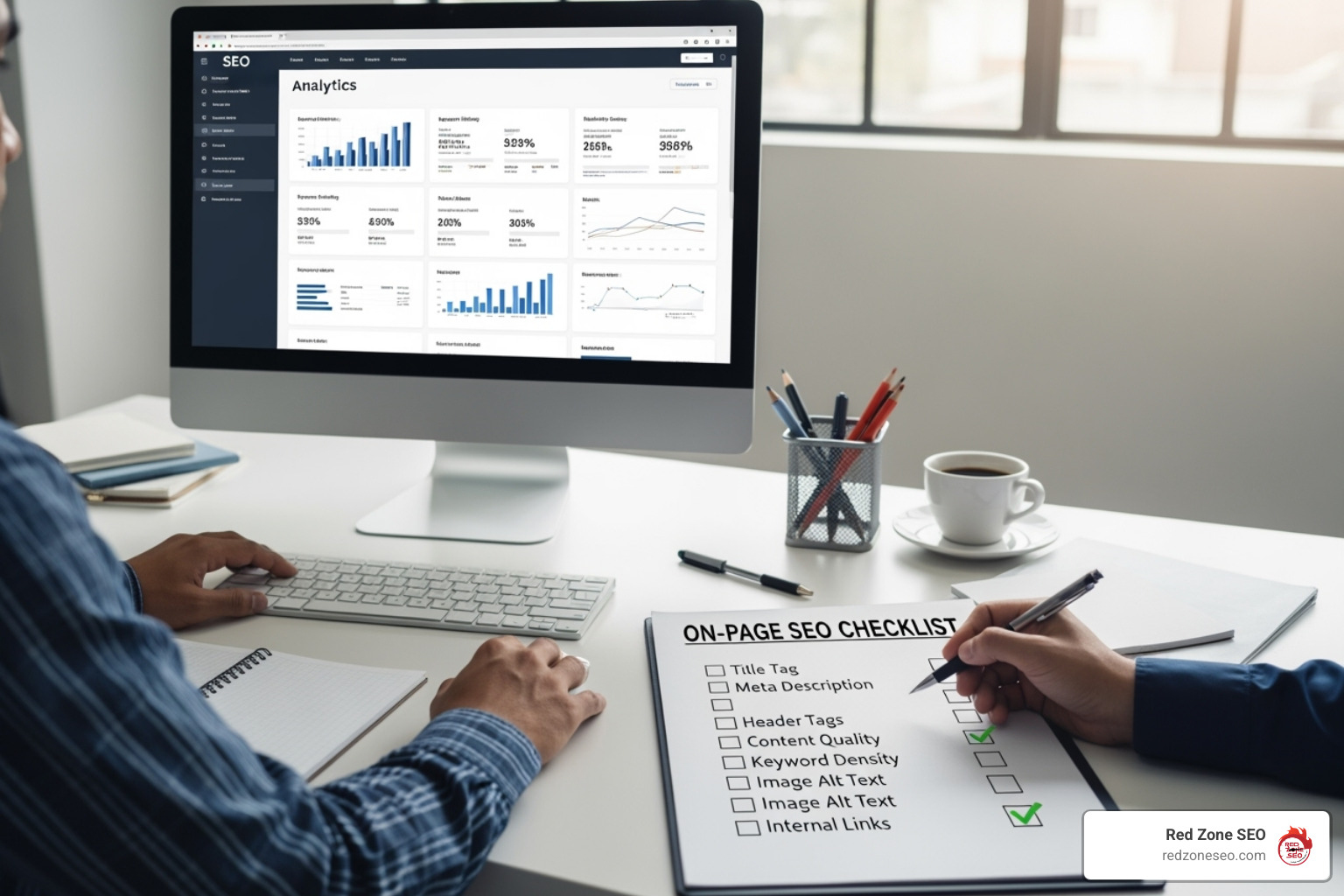
How to check on page seo 101: Ultimate Guide
The Importance of Checking On-Page SEO
When you want to know how to check on page seo, you're taking a vital step toward improving your website's visibility. With over 50% of all website traffic coming from organic searches and 93% of online experiences starting with a search engine, this is a smart move.
If you're looking for a quick answer, here are the fastest ways to check your on-page SEO:
- Use an On-Page SEO Checker Tool: Many free and paid tools can quickly scan your web page and flag issues with elements like your title, headings, and image descriptions.
- Manually Inspect Your Page's HTML: Right-click on your page and choose "View Page Source." You can then look for key SEO elements like your title tag, meta description, and H1 heading.
- Check Google Search Console: This free platform from Google provides insights into how Google sees your site, helping you find indexing problems, mobile usability issues, and Core Web Vitals performance.
- Test Your Page Speed: Use tools like Google's PageSpeed Insights. A slow page can hurt both user experience and search rankings.
On-page SEO is the practice of optimizing elements directly on your website pages, including content, keywords, headlines, and technical setup. It's the foundation for your site's search engine performance.
Why is this so important? Search engines like Google use hundreds of factors to rank web pages. On-page elements send crucial signals that tell search engines what your page is about and how relevant it is to a user's search. Getting it right helps your website appear higher in search results, bringing more organic traffic and potential customers.
This guide will walk you through everything you need to know about checking your on-page SEO, from key elements and tools to fixing common issues.
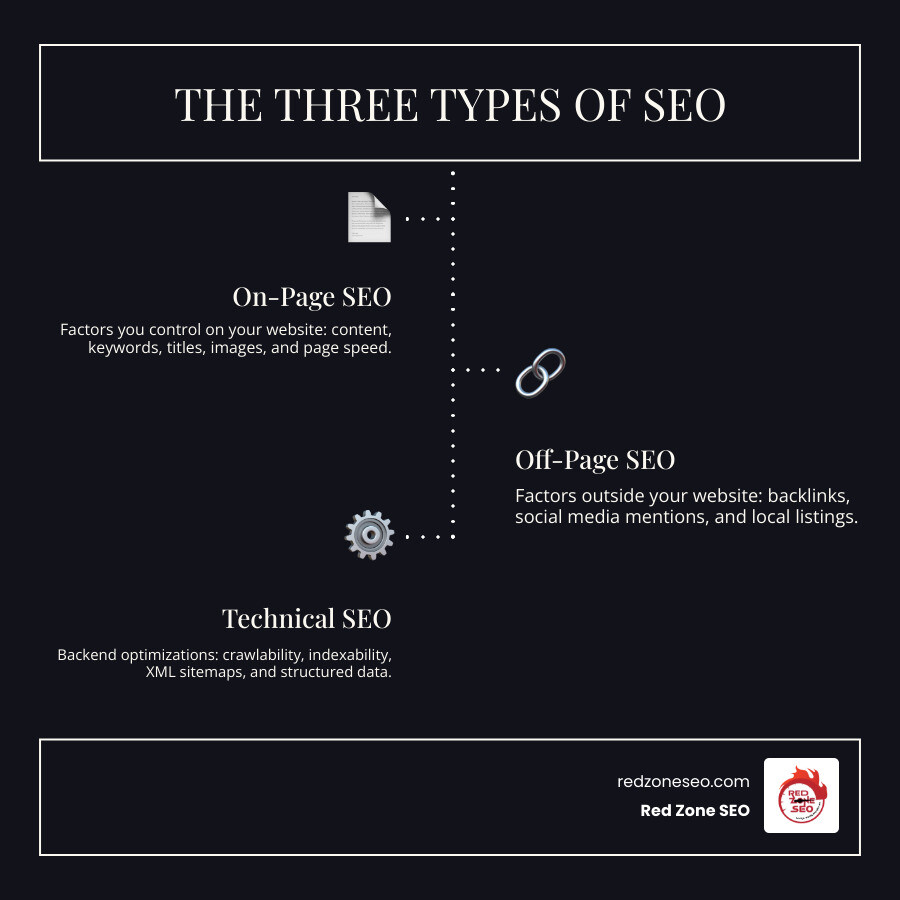
Simple how to check on page seo glossary:
The Core Elements of an On-Page SEO Check
When we talk about how to check on page seo, we're focusing on everything you can control directly on your website. Each element on your page acts as a signal to search engines, helping them determine your page's topic, quality, and relevance. The goal is to make these signals clear and strong, aligning with what both search engines and visitors are looking for. This involves a thorough website analysis of various ranking signals, prioritizing user experience, and keeping Google's guidelines in mind.
Content Quality and Relevance
High-quality content is one of the most important factors for SEO success. Here’s what “quality” means to a search engine:
- Search Intent: Your content must directly answer the user's question or fulfill their need. If someone searches for "best running shoes," they expect reviews or comparisons, not a history of footwear.
- Content Depth: Thoroughly covering a topic improves your chances of ranking. While there's no magic word count, our research suggests content of at least 500 words performs better. Articles around 1000 words average about 2 backlinks, while comprehensive 3000-word articles can earn an average of 4.
- E-E-A-T: This stands for Experience, Expertise, Authoritativeness, and Trustworthiness. It's Google's framework for evaluating content quality. Showcase your first-hand experience through case studies, personal anecdotes, or helpful tutorials.
- Unique Content: Search engines penalize duplicate content. Ensure every page on your site offers original value. Avoid having multiple pages with identical information.
- Keyword Optimization: While keyword stuffing is a major mistake, it's still important to naturally include your main keyword and its variations throughout your content. This helps reinforce the topic of your page.
- Readability: Your content must be easy to read. Use clear language and good formatting (short paragraphs, headings, bullet points) to ensure your message is understood.
For more on this topic, see our insights on Content Optimization.
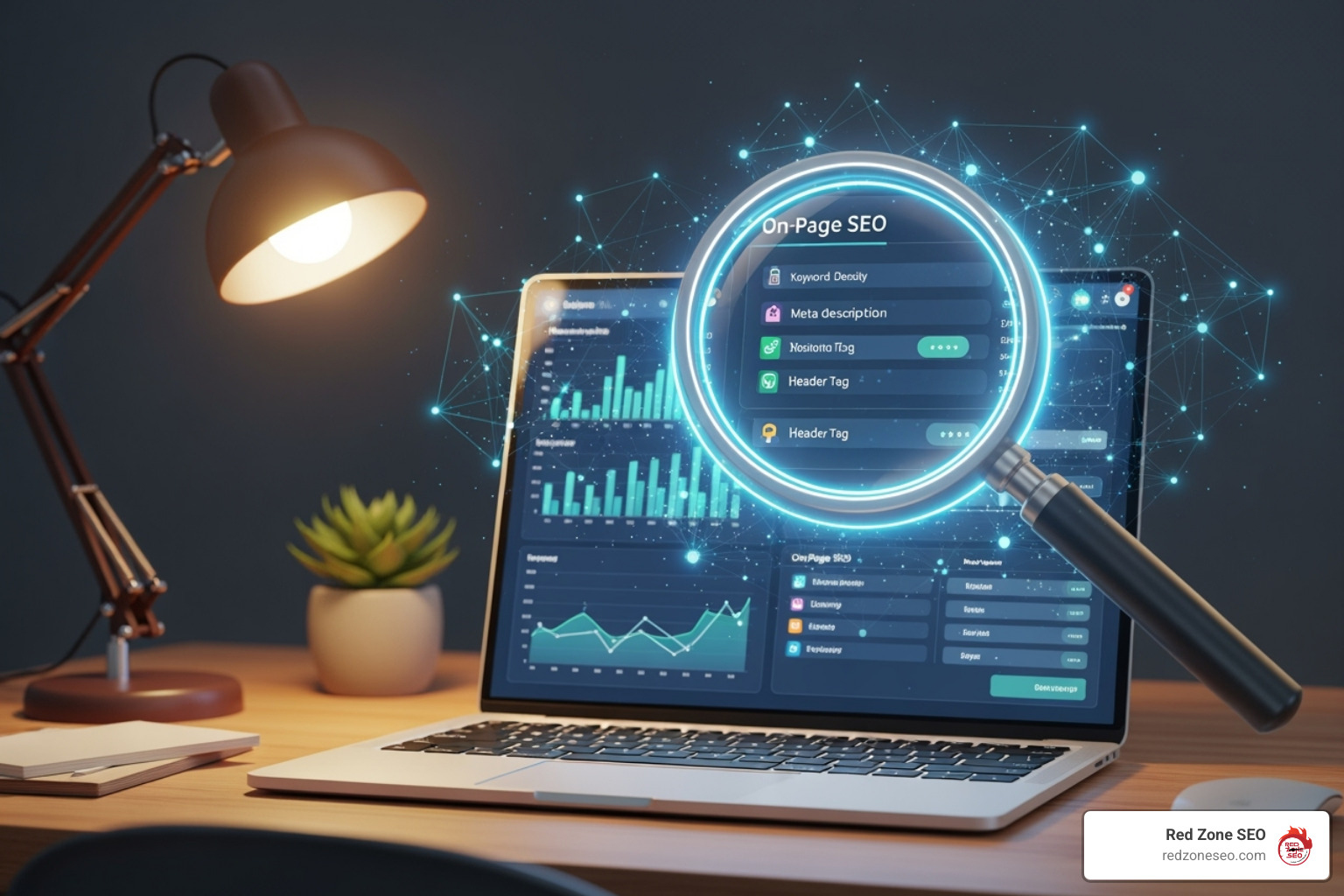
Your website's HTML structure plays a huge role in how search engines understand your content. These tags are the signposts that guide search engine crawlers.
- Title Tag Optimization: This is the bold headline in search results and the text in your browser tab. It's arguably the most important on-page element. Place your target keyword near the beginning and keep the title readable and descriptive. The optimal length is under 600 pixels, which usually translates to 30-60 characters.
- Meta Description: This summary appears under your title in search results. While not a direct ranking factor, a compelling meta description boosts your Click-Through Rate (CTR). Aim for 120-160 characters, as Google may truncate longer descriptions.
- Header Tags (H1-H6): These tags (H1, H2, H3, etc.) create a logical structure for your content. Use only one H1 header per page, and include your main keyword in it. Use H2s, H3s, and so on to organize subtopics, making the content easy to scan for users and search engines.
- Image Alt Text: Since search engines can't "see" images, they rely on alt text to understand them. Alt text also improves accessibility for visually impaired users. Describe the image accurately and include a relevant keyword when it makes sense. Also, use descriptive file names and compress images (ideally under 70KB) to improve page speed.
For a deeper dive, Google's Search Engine Optimization (SEO) Starter Guide is an excellent resource.
Page Structure and User Experience (UX)
A well-structured page is fundamental for both SEO and user experience. Google prioritizes sites that are easy to steer, load quickly, and work well on all devices.
- SEO-Friendly URLs: Your URL should be clean, readable, and include your main keyword. Avoid long, cryptic URLs. A logical, hierarchical URL structure helps organize content on larger sites. Also, ensure your site uses SSL (HTTPS), as it's a confirmed ranking signal.
- Internal Linking Strategy: Internal links (links from one page on your site to another) help search engines find new content, pass authority between pages, and guide users through your site. A logical internal linking structure is crucial for site architecture.
- Mobile-Friendliness: Your website must be responsive and look great on all devices. With Google's mobile-first indexing, a non-mobile-friendly site will suffer in rankings and miss out on significant traffic.
- Page Speed and Core Web Vitals: Page speed is a critical ranking factor. Core Web Vitals are Google's metrics for real-world user experience, measuring loading speed (LCP), interactivity (FID), and visual stability (CLS). Use tools like Google’s PageSpeed Insights tool to check and improve your performance.
How to Check On-Page SEO: Manual vs. Automated Tools
Now that we've covered what to check, let's explore how to check it. You can take two main approaches: hands-on manual inspection or using automated tools. Both are valuable parts of a robust SEO strategy, especially when trying to account for Google's 200+ ranking signals.
The Manual On-Page SEO Checklist
Manual checks are a great way to understand your website's mechanics without special software. They are perfect for quick spot-checks and deep dives.
- How to Manually Inspect: Right-click on a webpage and select "View Page Source" to see the raw HTML. For more detail, use Browser Developer Tools (usually F12 or "Inspect") to examine HTML, CSS, and other elements. You can also use Google Search Operators like
site:yourdomain.com to see which pages are indexed.
- What to Look For:
- Title Tag: Is it present, descriptive, and within the recommended length?
- Meta Description: Does it summarize the page and encourage clicks?
- H1 Heading: Is there only one
<h1> tag, and does it contain the primary keyword?
- Other Headings (H2-H6): Do they create a logical content structure?
- Image Alt Tags: Do all
<img> tags have descriptive alt text?
- URL Structure: Is the URL in the address bar clean and keyword-friendly?
- Internal Links: Do links effectively connect your content and guide users?
- Mobile Responsiveness: Does the page adapt well when you resize the browser window?
Top On-Page SEO Checker Tools for a Fast Audit
While manual checks are insightful, they are time-consuming for larger sites. Automated on-page SEO checker tools can scan your page against hundreds of criteria and provide a comprehensive report.
These tools crawl your URL like a search engine spider, identifying technical issues like broken links, server errors, or duplicate meta tags. They then generate a detailed report, categorizing issues by severity and often providing step-by-step fixes.
Some popular tools for checking on-page SEO include:
- Semrush: A comprehensive platform with an Instant SEO Analyzer and On-Page SEO Checker that audits pages, identifies issues, and provides competitive insights based on real-time data.
- Moz Pro: Its On-Page Grader provides a page optimization score and a checklist of suggested fixes for a given URL and keyword.
- Yoast SEO: A popular WordPress plugin that provides real-time SEO analysis and feedback directly within the WordPress editor.
- Google Search Console (GSC): Google's free and essential tool for webmasters. It provides crucial data on indexing status, crawl errors, mobile usability, and Core Web Vitals performance.
For a more in-depth look at auditing, explore our article on SEO Audit.
Here's a quick comparison of these tools:
| Tool |
Primary Function |
Key On-Page SEO Features |
Best For |
| Semrush |
Comprehensive SEO platform |
Instant Analyzer; On-Page SEO Checker compares to top 10 competitors, provides strategy, backlink, technical, content, and UX ideas. |
Agencies and businesses needing competitive analysis and data-driven recommendations. |
| Yoast SEO |
WordPress SEO plugin |
Real-time content analysis in WordPress; checks readability, keyword usage in titles, metas, headings, alt text; suggests internal links. |
WordPress users looking for in-editor optimization guidance. |
| Google Search Console |
Google's official webmaster tool |
Reports on indexing, crawl errors, mobile usability, Core Web Vitals, security issues; URL inspection tool; identifies missing titles/descriptions. |
Understanding how Google indexes your site and identifying site-wide technical issues. |
A step-by-step guide on how to check on page seo with a tool
Using an automated tool to how to check on page seo is straightforward and saves time. Here’s a simple guide:
- Enter the URL: Paste the web address of the page you want to analyze into the tool.
- Define Target Keyword (if applicable): Many advanced tools allow you to specify the main keyword you're targeting. This helps the tool evaluate how well your page is optimized for that term.
- Run the Analysis: Click the "Analyze" or "Scan" button. The tool will quickly crawl your page and process the data.
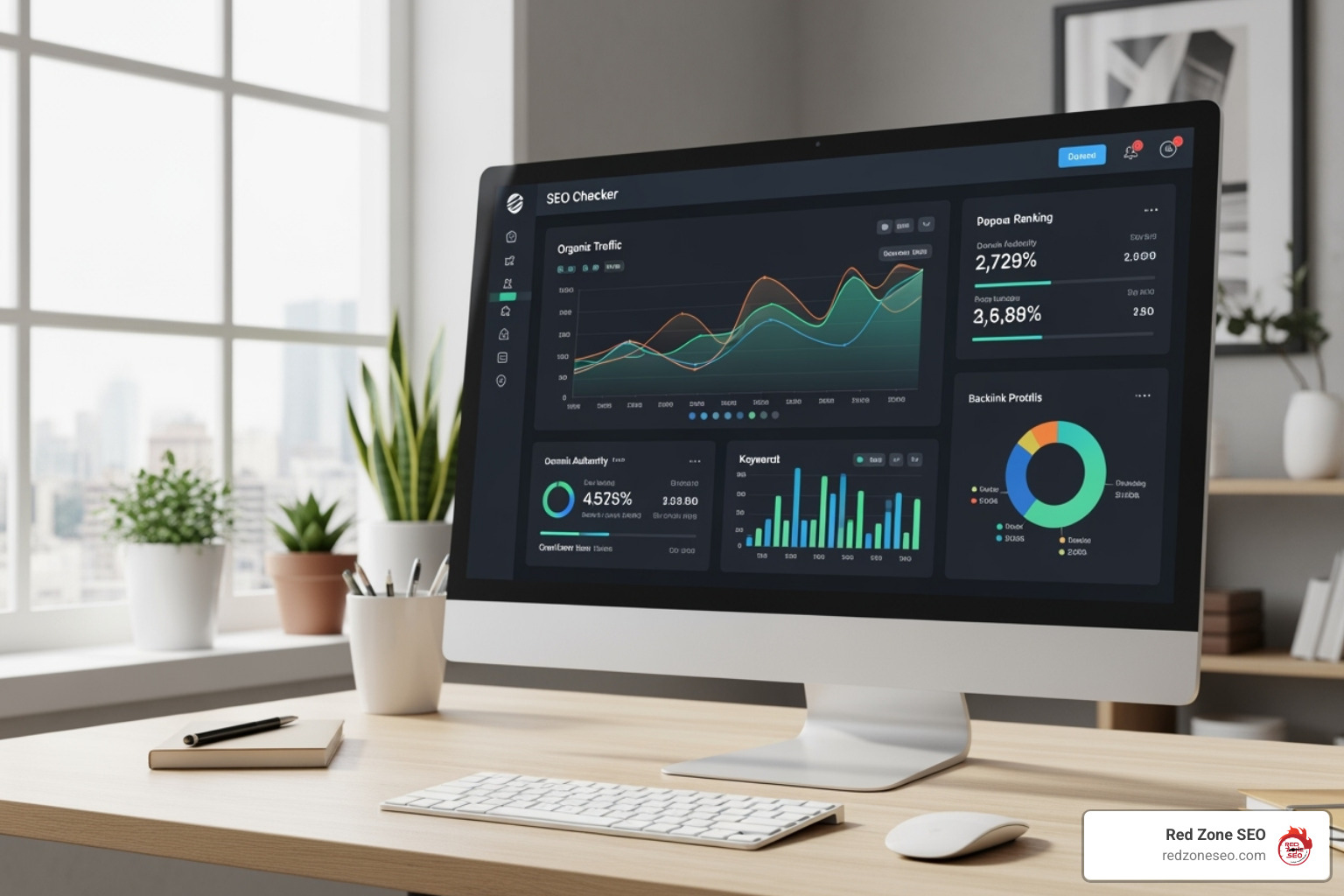
- Review the SEO Report: The report will typically include an overall SEO score, a list of issues (often color-coded by severity), and recommendations for how to fix each one.
- Implement Actionable Insights: The tool will guide you on what to fix and why. Focus on the prioritized task list to address the issues that will have the biggest impact on your SEO performance.
Interpreting Your On-Page SEO Report and Taking Action
After running an on-page SEO check, you'll have a report full of data, scores, and potential issues. Think of this report as your website's health check-up. Understanding it is the first step toward turning those insights into improved online visibility. Our goal is to help you make sense of these diagnostics and create a clear, actionable plan.
Understanding Your SEO Score
Most on-page SEO checkers provide an "SEO score" or "health score." This score measures how well your page aligns with ideal SEO practices, typically starting from 100 and deducting points for each issue found.
This score is a diagnostic metric, not a direct ranking factor. A perfect 100 doesn't guarantee a #1 ranking, but it does reflect the overall optimization level of your page.
- Score Ranges: Generally, a score above 80% indicates your page is well-optimized. A score below 80% means there's room for improvement. A score below 30% signals severe errors that need immediate attention.
- Identifying Weaknesses: The score helps you quickly identify which pages on your site need the most work.
- Tracking Progress: It's also a great way to track your progress over time. As you fix issues, your score should increase, validating your efforts.
Prioritizing Fixes: Critical Errors vs. Warnings
Not all SEO issues are created equal. Your report will likely categorize issues by severity, which is key to prioritizing your efforts effectively.
- Critical Errors: These are major problems that can prevent your page from being indexed or ranking at all. Examples include a misplaced "noindex" tag, a 404 error (page not found), or broken canonical tags. These should always be your top priority, as fixing them can prevent a significant negative impact on your site's SEO health.
- Warnings: These are less severe but still impact your page's performance and user experience. Common warnings include a missing meta description, images without alt text, or multiple H1 tags on a page. Addressing these can significantly improve your page's overall optimization.
- Notices: These are minor suggestions or best practices, like improving your code-to-text ratio or making small formatting tweaks. Think of them as bonus points to fine-tune an already good page.
To improve your score and performance, systematically address the identified issues. Always prioritize fixing critical errors first, as they have the biggest potential to hold your site back. Then, move on to warnings, and finally, tackle notices.
For our WordPress clients, a structured approach to these fixes makes a huge difference. If you feel overwhelmed by the technical side, our WordPress SEO Services are designed to help you manage these issues effectively.
On-Page SEO and Its Connection to Technical SEO
We've focused on what's on your page (content, headlines), but that's only part of the story. Technical SEO involves the behind-the-scenes elements that help search engines find, understand, and index your content. A holistic approach combining both on-page and technical SEO is crucial for effective search engine communication and a solid website architecture.
Ensuring Crawlability and Indexability
Two critical technical concepts are crawlability and indexability. Crawlability is a search engine's ability to access and read the content on your website. Indexability is its ability to add your pages to its massive database (the index), making them eligible to appear in search results. A key part of how to check on page seo is ensuring your pages are both crawlable and indexable.
Several technical elements are key to this process:
- Robots.txt file: This file tells search engine crawlers which areas of your site they can and cannot access. A mistake here can accidentally block important content from being indexed.
- XML Sitemaps: This is a map of your website that lists all your important pages. Submitting an up-to-date sitemap to Google Search Console helps search engines find all your content.
- Canonical Tags: When you have similar content on multiple URLs, a canonical tag tells search engines which version is the preferred or "master" copy, preventing duplicate content issues.
- Noindex Tag: This tag tells search engines not to include a specific page in their index. It's useful for thank-you pages or internal dashboards, but a mistake can remove an important page from search results.
- Redirects: A 301 redirect permanently forwards one URL to another, guiding both users and search engines to the new location. This is essential for preserving link equity when you move or delete a page.
Google Search Console is the best tool for monitoring these elements and identifying crawl or indexing errors. For more guidance, Google's Steps to a Google-friendly site is an invaluable resource.
The Role of Structured Data (Schema Markup)
Structured Data, often called Schema Markup, is a specialized code you add to your pages to give search engines a highly organized summary of your content. It's a standardized vocabulary from Schema.org that helps search engines understand your content's context, not just its words.
The biggest benefit of using structured data is earning Rich Snippets. These are improved search listings that display extra information like star ratings, prices, or event dates directly in the search results.
Rich snippets make your listing stand out, which can significantly increase your Click-Through Rate (CTR), even if your ranking doesn't change. Common types of schema include:
- FAQ Schema: For pages with questions and answers.
- How-to Schema: For pages with step-by-step instructions.
- Product Schema: For e-commerce pages, displaying price, availability, and reviews.
- Video Schema: To help search engines understand video content details.
Implementing structured data can be technical, but the potential boost in visibility and traffic makes it a worthwhile effort.
Frequently Asked Questions about How to Check On-Page SEO
It’s natural to have questions when you're learning how to check on page seo. Here are answers to some of the most common ones.
How often should I perform an on-page SEO check?
Consistency is key. The ideal frequency depends on your site's activity, but here are some general guidelines:
- Before Publishing: Always perform a thorough on-page SEO check on any new page or blog post before it goes live.
- Quarterly Reviews: For existing content, a quarterly review is a good practice to find new issues, update information, and stay competitive. Consistent auditing can lead to significant growth in traffic and impressions.
- After Major Site Changes: A comprehensive audit is crucial after a website redesign, platform migration, or other significant structural updates to catch any hidden issues.
- For Key Pages: Your most important pages (high-traffic, high-conversion) may benefit from more frequent monthly or bi-weekly spot checks to ensure they maintain peak performance.
- Monitor Competitors: Regularly analyzing your competitors' on-page SEO can provide fresh ideas and highlight areas for improvement.
Why is my page with a perfect on-page SEO score not ranking #1?
This is a common and important question. A perfect on-page SEO score is excellent, but it's only one piece of the puzzle. Google uses over 200 ranking signals. If your well-optimized page isn't at the top, consider these other factors:
- Off-Page SEO: This is often the missing ingredient. It refers to signals outside your website, primarily backlinks. Backlinks from reputable sites are powerful votes of confidence. If competitors have a stronger backlink profile, they may outrank you.
- Domain Authority: This is the overall strength and trustworthiness of your entire website. An older, more established domain often has an advantage over a newer one.
- User Signals: Google analyzes how users interact with your page. Factors like bounce rate (how quickly users leave), time on page, and click-through rate (CTR) from search results all influence rankings.
- Search Intent Mismatch: Your page might be perfectly optimized for a keyword but not fully align with the user's underlying goal or question (the search intent).
- Competition: You may be in a highly competitive niche where ranking #1 requires immense, sustained effort to overcome established players.
- Algorithm Updates: Google is constantly updating its ranking algorithms, so strategies that worked previously may become less effective over time.
On-page SEO is the foundation, but you also need strong off-page signals and a great user experience to reach the top.
Can I do on-page SEO myself?
Yes, absolutely! Many aspects of on-page SEO are manageable for beginners, especially with the user-friendly tools available today.
- What You Can Do: You can easily handle basic optimizations like writing title tags and meta descriptions, structuring content with headings, adding alt text to images, and creating clean URLs.
- Using Tools for Guidance: On-page SEO checkers are designed to empower you. They highlight issues and often provide clear instructions on how to fix them.
- Content Creation: As a business owner, you are the expert on your topic. You are in the best position to create high-quality, relevant content that meets your audience's needs.
However, there are times when hiring a professional SEO agency like Red Zone SEO is beneficial:
- Complex Technical Issues: Deep-seated crawlability problems, redirect chains, or severe Core Web Vitals issues often require expert diagnosis and resolution.
- Large Websites: Auditing and optimizing thousands of pages is a massive task that professionals can manage more efficiently.
- Highly Competitive Niches: Advanced strategies and continuous competitive analysis may be needed to get an edge.
- Time Constraints: Delegating SEO allows you to focus on running your business while experts handle your online visibility.
At Red Zone SEO, we specialize in data-driven, proven SEO solutions for measurable results, crafting custom strategies that deliver real business growth. For more advice, Google's guide on How to hire an SEO expert is a helpful resource.
Conclusion: Making On-Page SEO a Continuous Process
We've covered the essentials of how to check on page seo, from the core elements of a well-optimized page to the tools and techniques used to audit them. The most important takeaway is that on-page SEO is not a one-time task. It's a continuous process of improvement that serves as the foundation for all your other digital marketing efforts.
Solid on-page fundamentals make your off-page strategies, like link building, significantly more effective. By embracing on-page SEO as an ongoing cycle, you create a powerful feedback loop for growth:
- Audit: Regularly check your pages for issues and opportunities.
- Analyze: Understand the data to prioritize the most impactful fixes.
- Implement: Make the necessary changes to your content and technical structure.
- Monitor: Track your rankings, traffic, and engagement to measure the results and inform your next steps.
Google's algorithms evolve, user expectations change, and your competitors are always working to get ahead. Staying committed to this cycle of improvement is what separates successful websites from the rest.
At Red Zone SEO, we live by this philosophy of continuous improvement. We believe that data-driven, proven SEO solutions are about building sustainable, long-term growth, not just quick fixes.
Whether you're ready to start optimizing yourself or you'd prefer to partner with experts who can accelerate your results, the most important step is to begin. If you're a Las Vegas business owner ready to open up your website's potential, we can help transform on-page insights into measurable growth.
Get a professional SEO analysis for your Las Vegas business and let's start your journey to the top of the search results.