Shopify store SEO is the process of optimizing your Shopify website to rank higher in search engines like Google, driving more organic traffic and sales to your business. With over 4.5 million Shopify stores worldwide competing for attention, proper SEO isn't optional—it's essential for survival.
Quick Answer: Essential Shopify SEO Steps
The good news? Shopify handles many SEO basics automatically. It generates sitemaps, provides SSL certificates, and creates mobile-friendly themes. But that's just the starting point.
The reality is stark: only the top 10% of properly optimized Shopify stores get found by customers on Google. The rest get buried in search results, missing out on the 51% of shoppers who research products on Google before buying.
This guide will walk you through every step needed to get your Shopify store ranking higher and driving more sales. No technical jargon, no overwhelming theory—just practical steps that work.
Whether you're launching a new store or trying to improve an existing one, you'll learn how to leverage Shopify's built-in SEO features while addressing its limitations. We'll cover everything from technical setup to content strategy, giving you a complete roadmap to SEO success.

Getting your Shopify store SEO right means understanding that search engines evaluate your site on three main factors: technical performance, content relevance, and user experience. Unlike traditional websites, ecommerce stores face unique challenges like duplicate content from product variants, complex site structures, and the need to balance SEO with conversion optimization.
The key is focusing on what actually moves the needle. Based on our experience at Red Zone SEO, we've seen that stores prioritizing collection pages over individual products often see better results. Why? Collection pages typically capture higher search volumes and can rank for broader terms that individual products can't compete for.
Technical SEO forms the foundation of your Shopify store's search performance. Google's mobile-first indexing means your mobile version is now the primary version evaluated for rankings. Fortunately, Shopify handles several technical elements automatically:
However, Google's Core Web Vitals have become increasingly important ranking factors. Your store needs to meet these benchmarks:
Shopify's recent platform updates have improved cart loading times by up to 50%, but you still need to optimize your specific store for speed.
Before diving into optimization, ensure these fundamentals are in place:
Free Shopify trial stores are crawled but not permanently indexed. You need a paid plan for proper SEO performance.

Technical SEO might seem daunting, but Shopify's built-in features handle most of the heavy lifting. The platform automatically generates clean, SEO-friendly URLs, creates XML sitemaps, and implements SSL certificates. However, there are still critical technical elements you need to address manually.
Duplicate content is one of the biggest technical challenges for Shopify stores. The platform can create multiple URLs for the same product, such as:
/products/product-name/collections/category/products/product-name/collections/category/products/product-name?variant=123This happens because products can be accessed through different collections and with various parameters. Research shows that duplicate content makes up a significant portion of web content, making it crucial to address.
Here's how to fix it:
1. Canonical URL Strategy
Shopify automatically sets canonical tags, but you should verify they're pointing to your preferred URLs. Edit your product-grid-item.liquid file to ensure collection pages link directly to canonical /products/ URLs.
2. Handle URL Parameters
For product variants, decide whether to:
3. Set Up 301 Redirects
When you delete products or change URLs, always set up 301 redirects in your Shopify admin under "URL Redirects" to maintain link equity.
Structured data helps search engines understand your content and can lead to rich snippets in search results. Pages with schema markup can see up to a 30% increase in click-through rates.
Shopify automatically includes basic Product schema, but you can improve it with:
Product Schema Improvements:
Additional Schema Types:
You can implement schema manually or use Shopify Schema app plugins for easier management.
With 58% of website traffic coming from mobile devices, mobile optimization is non-negotiable. Google's mobile-first indexing means your mobile version determines your rankings.
Essential Mobile Optimizations:
Test your mobile performance using Google's Mobile-Friendly Test and PageSpeed Insights tools. Address any issues flagged by these tools promptly.
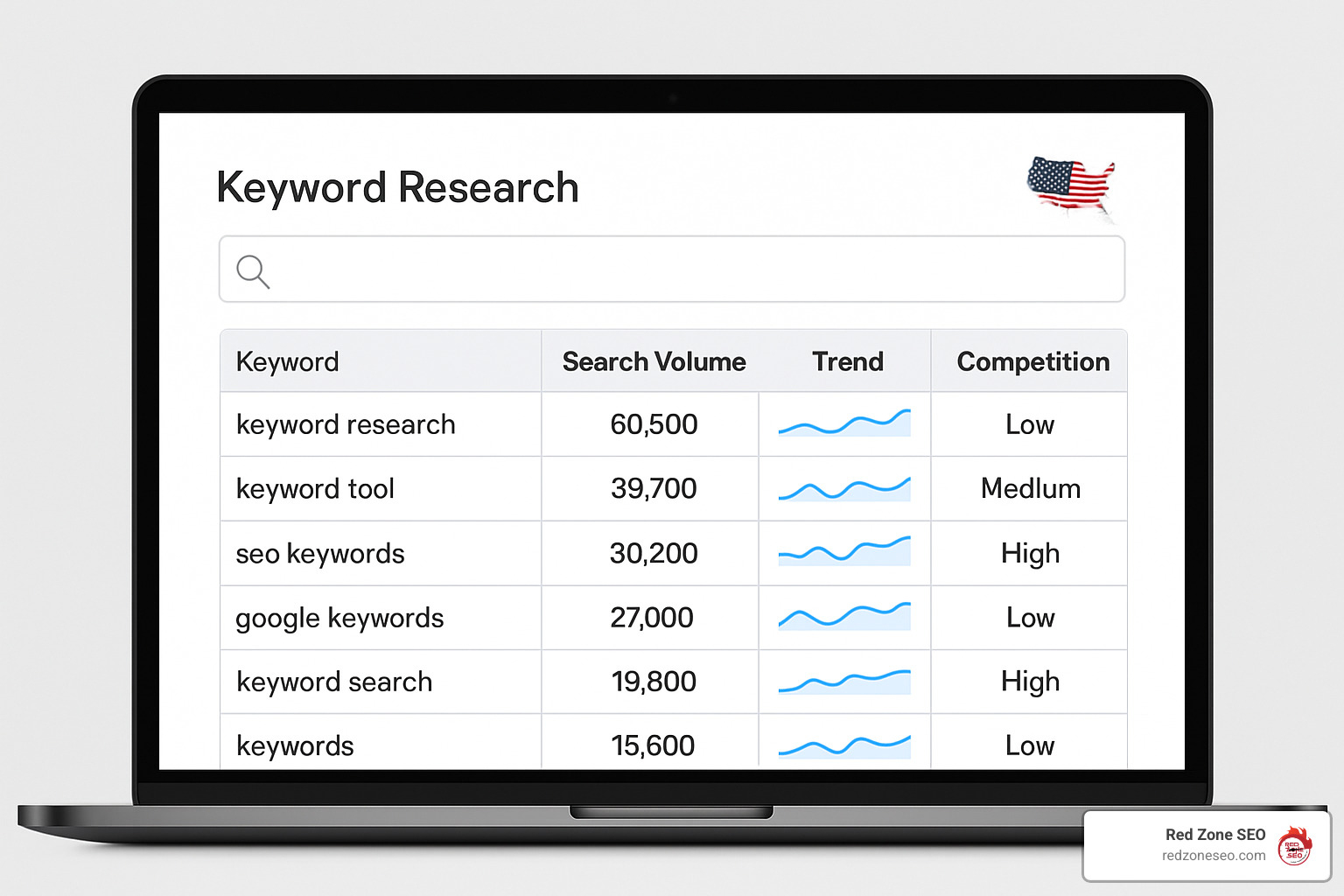
Effective keyword research for ecommerce differs from traditional SEO. You need to understand the buyer's journey and match keywords to the right intent. Someone searching for "best running shoes" is in research mode, while "buy Nike Air Max size 10" shows purchase intent.
1. Start with Seed Keywords
Begin with broad terms related to your products. For a fitness equipment store, seeds might include:
2. Expand with Keyword Tools
Use tools like Ahrefs, Ubersuggest, or even free options like Google Keyword Planner to find variations and long-tail keywords. Look for terms with:
3. Map Keywords to Content Types
4. Analyze Search Intent
Group keywords by intent:
Product pages are your money makers, so they need to work hard for both users and search engines. Here's how to optimize them:
Title Tag Optimization
Keep titles under 60 characters and include:
Example: "Nike Air Max 270 Running Shoes - Lightweight & Comfortable | YourStore"
Meta Description Strategy
Write compelling descriptions under 160 characters that:
Product Description Best Practices
Write at least 250 words of unique content that:
Image Optimization
Latest research on title tags shows that including your primary keyword near the beginning of the title tag can improve rankings, but avoid keyword stuffing.
URL Structure Guidelines:
/products/wireless-bluetooth-headphonesMeta Tag Optimization:
Power Words for Ecommerce:
Include these conversion-boosting words when appropriate:
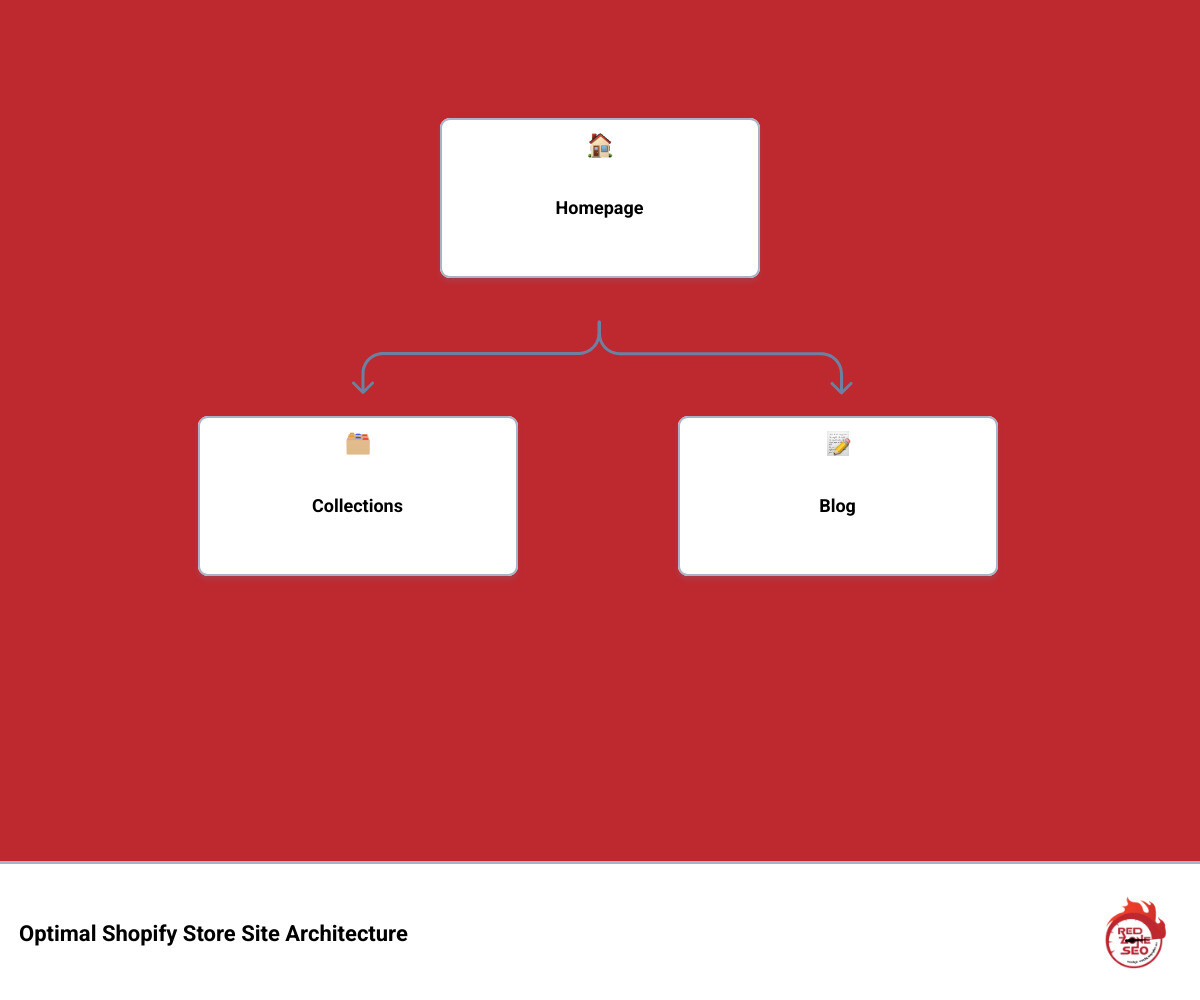
A well-structured site helps both users and search engines steer your store efficiently. Think of your site architecture as a pyramid: homepage at the top, collections in the middle, and products at the bottom.
Logical Hierarchy Design:
Navigation Best Practices:
Collection Page Optimization:
Collections often drive more traffic than individual products because they target broader keywords. Optimize them by:
Most Shopify blogs are underused despite their SEO potential. A well-executed blog strategy can:
Content Strategy Framework:
Shopify Blog SEO Tips:
For detailed content marketing strategies, check out our guide on Content Marketing for Small Businesses.
Internal linking distributes page authority throughout your site and helps search engines understand your content relationships.
Strategic Internal Linking:
Avoiding Orphan Pages:
Run regular audits to find pages with no internal links. These "orphan pages" are harder for search engines to find and rank.
Site speed directly impacts both SEO rankings and conversion rates. Research shows that 53% of mobile users abandon websites that don't load within 3 seconds. Shopify recommends pages load in under 3 seconds to maximize conversions and SEO performance.
Images account for approximately 46% of the average web page size, making them the biggest opportunity for speed improvements.
Image Optimization Steps:
Choose the Right Format
Resize Before Upload
Compress Effectively
Implement Lazy Loading
Alt Text Best Practices:
Every app you install adds code to your store, potentially slowing it down. Regular app audits are essential.
App Optimization Strategy:
Critical CSS and JavaScript:

While on-page optimization is crucial, off-page SEO—particularly link building—remains a major ranking factor. Quality backlinks signal to search engines that your site is trustworthy and authoritative.
Ecommerce-Specific Link Building Strategies:
Supplier and Manufacturer Links
Resource Page Link Building
Digital PR and HARO
Guest Posting
Broken Link Building
Link Building Best Practices:
Essential SEO Metrics to Monitor:
Organic Traffic Growth
Keyword Rankings
Conversion Metrics
Technical Health
Tools for Tracking:
While we generally recommend limiting apps, some can genuinely help with SEO:
Recommended SEO Apps:
Free Tools Worth Using:
Remember: apps should solve specific problems, not create new ones. Every app adds code and potential conflicts.
The biggest mistake is neglecting duplicate content issues. Many store owners don't realize that Shopify can create multiple URLs for the same product, diluting SEO authority. Always ensure your internal links point to canonical URLs and set up proper redirects when changing product URLs.
Site speed is the second biggest mistake. Loading heavy, unoptimized images and installing too many apps can slow your store significantly. Since 53% of mobile users abandon slow sites, speed optimization is crucial for both SEO and conversions.
Yes, but indirectly. Tags and collections themselves don't directly impact rankings, but they improve site navigation and user experience, which are ranking factors. Well-organized collections help users find products faster, reducing bounce rates and increasing time on site—both positive signals to search engines.
Collections also help with internal linking structure, distributing page authority throughout your site. The key is creating logical, user-friendly organization rather than stuffing keywords into tag names.
We recommend quarterly comprehensive audits, with monthly check-ins on key metrics. Your audit should include:
Monthly Reviews:
Quarterly Audits:
Annual Reviews:
Set up automated alerts in Google Search Console to catch critical issues immediately.
Shopify store SEO success comes down to consistent execution of proven strategies. While Shopify handles many technical basics automatically, achieving top rankings requires strategic optimization across technical, on-page, and off-page elements.
The key takeaways from this guide:
SEO is a long-term investment. While you might see incremental improvements in a matter of weeks, significant, compounding results typically take three to six months of consistent effort. The businesses that succeed are those that treat SEO as an ongoing strategy rather than a quick fix.
At Red Zone SEO, we’ve helped countless Shopify stores achieve dramatic improvements in organic traffic and revenue through data-driven SEO strategies. Our approach combines technical expertise with practical business understanding, ensuring your SEO efforts translate into measurable results.
Whether you’re just starting out or looking to take your existing store to the next level, the strategies in this guide will help you build a strong foundation for long-term Shopify SEO success.
Ready to accelerate your Shopify store’s growth? Learn more about our proven process and how we can help your business thrive at How It Works.
The path to higher visibility isn’t always easy, but with the right strategy and consistent execution, your Shopify store can earn the rankings, traffic, and revenue it deserves. Start implementing these strategies today, and watch your organic traffic—and sales—grow.