
Check Yourself Before You Wreck Yourself with These Free On-Page SEO Tools

Free on page seo checker: Top 7 Essential Tools

Your First Step to Page-One Dominance

Welcome to the quick-win corner of SEO. If you want to rank, drive qualified traffic, and convert more visitors into customers, the fastest place to start is right on your own website. A free on page SEO checker lets you see your pages the same way a search-engine crawler does—highlighting what helps, what hurts, and what to fix first.

In this guide you’ll learn:

  • Why on-page SEO is still the foundation of long-term performance in 2024 and beyond.
  • The exact items a checker scans—titles, headings, Core Web Vitals, links, and more.
  • Seven reputable free tools you can run in minutes.
  • A streamlined action plan to turn any report into measurable ranking gains.
  • The limits of page-level audits and when a deeper SEO strategy is required.

Whether you run a local bakery in Las Vegas or manage a nationwide e-commerce store from Austin, these insights will help you "check yourself before you wreck yourself"—and set the stage for unstoppable growth.

Why On-Page SEO Is Your Digital Foundation in 2024

Here at Red Zone SEO we like to compare websites to skyscrapers. You can’t add extra floors—or invite new tenants—until the concrete base is solid. On-page SEO is that base. It covers every element a visitor (or a Googlebot) can see or read directly on your pages: text, images, HTML, and site architecture.

Why does it still matter?

  • Search is where people start. 93 percent of all online experiences begin with a search engine. If you’re invisible in those results, every other marketing channel becomes more expensive.
  • You control it. Off-page factors such as backlinks depend on third parties. On-page fixes are 100 percent in your hands.
  • Google uses 200+ ranking factors. When two sites offer similar information, the one with clearer headings, faster load times, and tighter metadata wins the tie-break.

On-page SEO also doubles as a user-experience upgrade:

  • Pages with logical headings and scannable content keep visitors engaged, reducing bounce rate.
  • Fast, mobile-friendly design delights users and satisfies Core Web Vitals.
  • Demonstrating E-E-A-T (Experience, Expertise, Authoritativeness, Trustworthiness) in your copy builds credibility with both readers and algorithms.

Who benefits most from a free on page SEO checker?

  • Small-business owners needing a cost-effective way to compete with bigger brands.
  • Marketers and agencies seeking quick audits to prove ROI.
  • Webmasters charged with keeping large sites technically healthy.
  • Bloggers and creators who want their hard-won content to surface for the right queries.

Fixing on-page fundamentals isn’t glamorous, but it is the single fastest lever you can pull to improve visibility—and every other SEO tactic performs better once the foundation is set.
What a Free On-Page SEO Checker Scans on Your Website

The Top 7 Free On-Page SEO Checker Tools to Audit Your Site Instantly

collage of logos from the top SEO checker tools - free on page seo checker

Below are seven reputable options. All offer a no-cost tier that lets you audit individual pages (and in some cases full sites) without entering a credit card.
1. Semrush On-Page SEO Checker

Semrush On-Page SEO Checker interface - free on page seo checker

Drop in a URL and receive an instant score, plus suggestions on meta tags, internal links, and content length. A competitive panel shows how your page stacks up against rivals targeting the same keyword.
2. Ahrefs Website SEO Checker

Ahrefs Webmaster Tools dashboard - free on page seo checker

Ahrefs Webmaster Tools (AWT) crawls up to 5,000 URLs per month for free, highlighting 140+ common problems—from broken links to slow pages—and assigns a Health Score so you can monitor progress over time.
3. Seobility SEO Checker

Seobility report showing the overall SEO score - free on page seo checker

Seobility examines more than 200 parameters and funnels them into a clear traffic-light system—green, yellow, red—so you can spot high-impact tasks immediately. A handy PDF export lets you share results with teammates or clients.
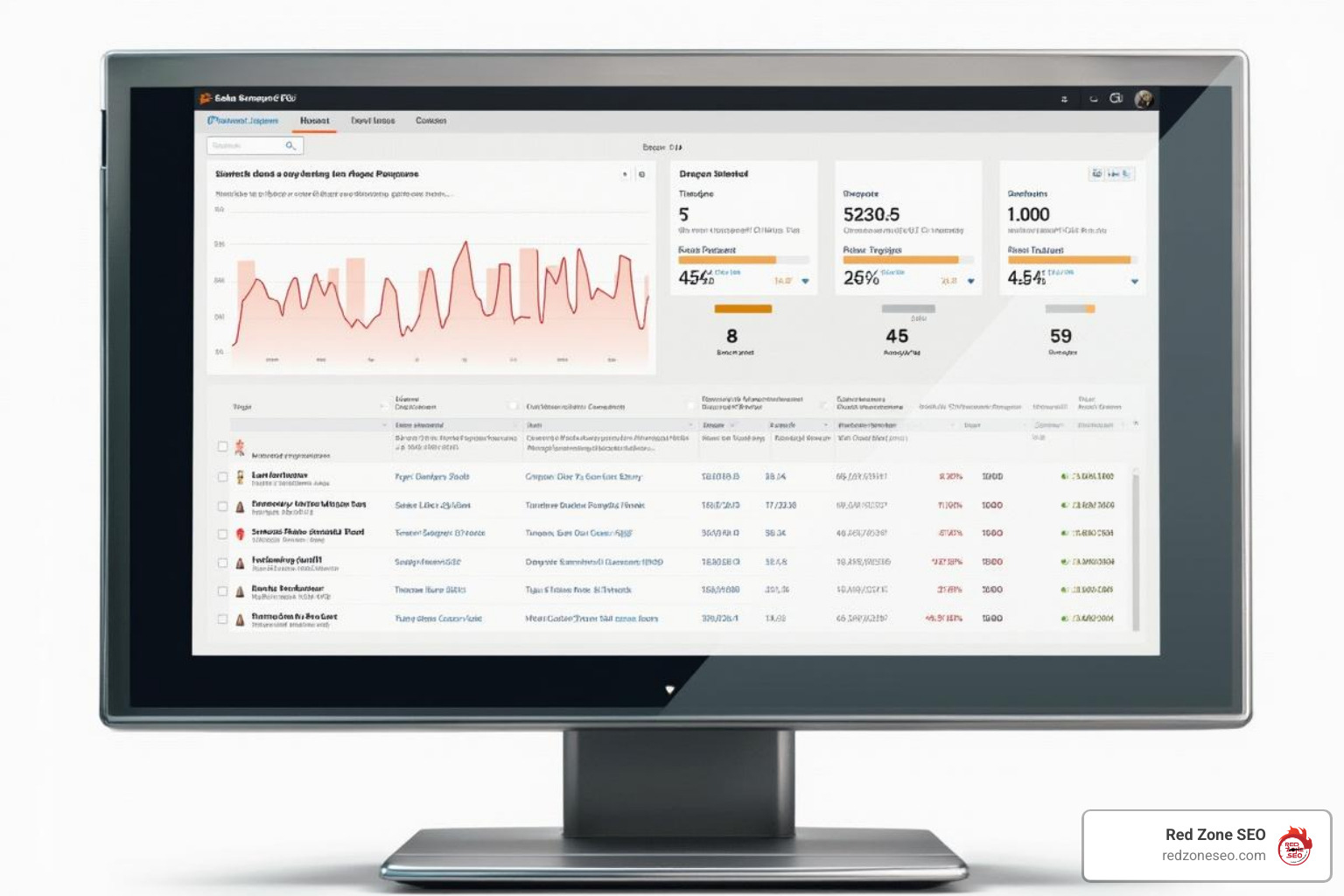
4. Sitechecker On-Page SEO Checker

Sitechecker tool showing a detailed issue breakdown - free on page seo checker

Sitechecker mixes technical data with plain-English “how to fix” steps. Its integration with PageSpeed Insights breaks down LCP, CLS, and other vital metrics so you know exactly why a page feels sluggish.
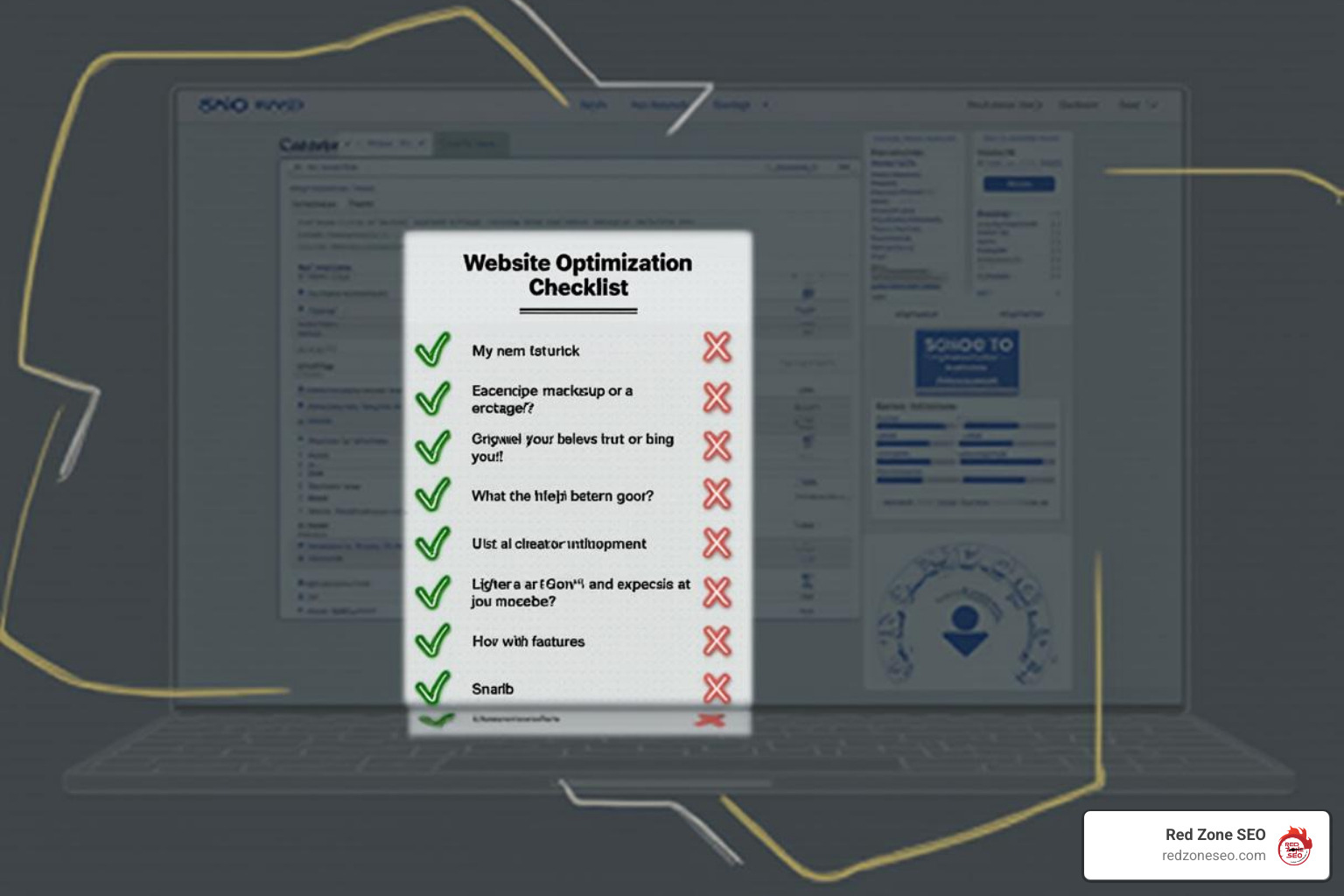
5. Moz On-Page Grader

Moz On-Page Grader checklist - free on page seo checker

Enter your target keyword and URL; Moz returns a percentage score plus a checklist of improvements. Code snippets beside each item make implementation straightforward for developers.
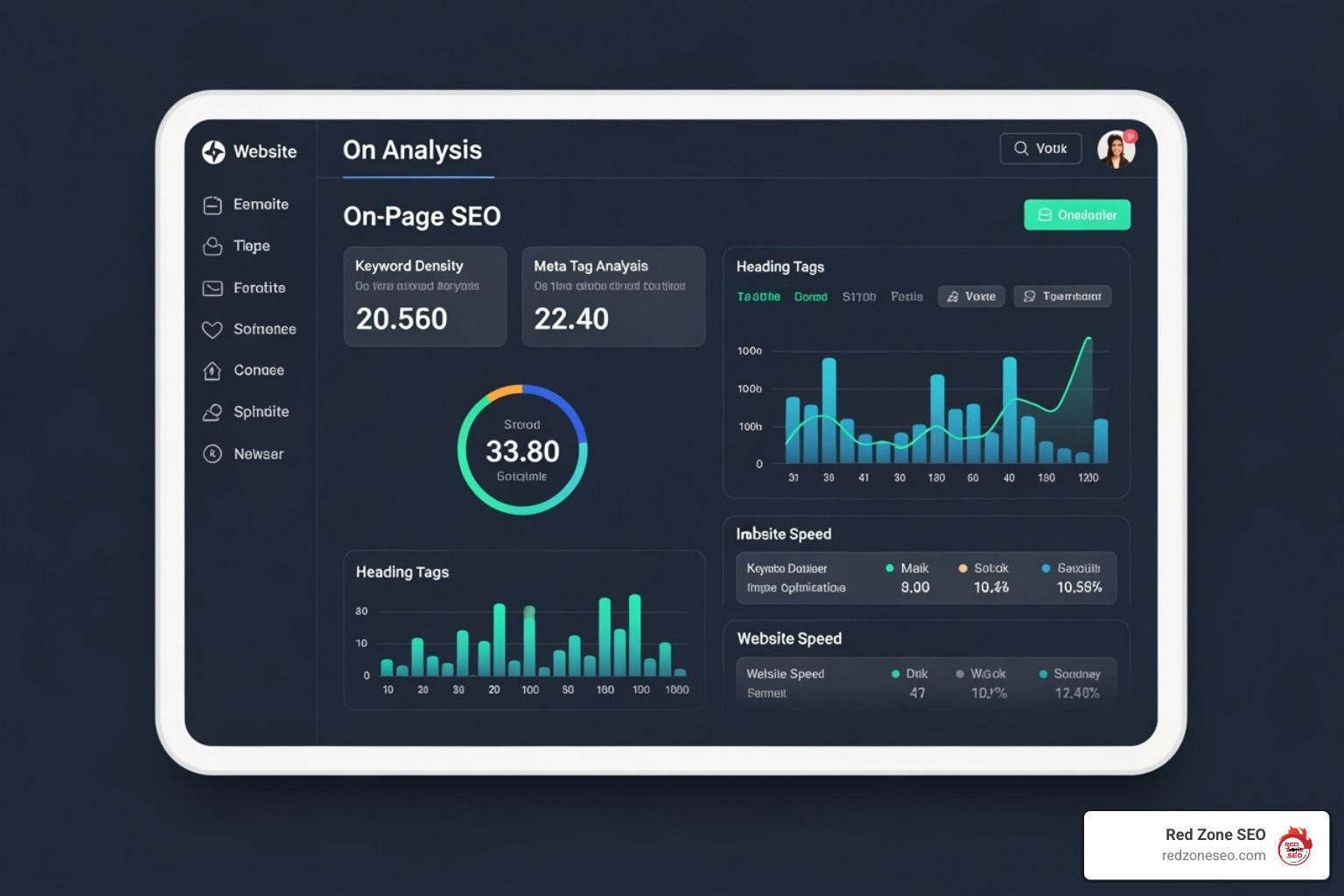
6. Wincher On-Page SEO Checker

Wincher tool grading different on-page factors - free on page seo checker

Wincher grades titles, headings, body copy, media, and URLs individually. Hover over any red grade to reveal a concise remedy, such as “Add primary keyword to H1” or “Compress hero image to <150 KB.”
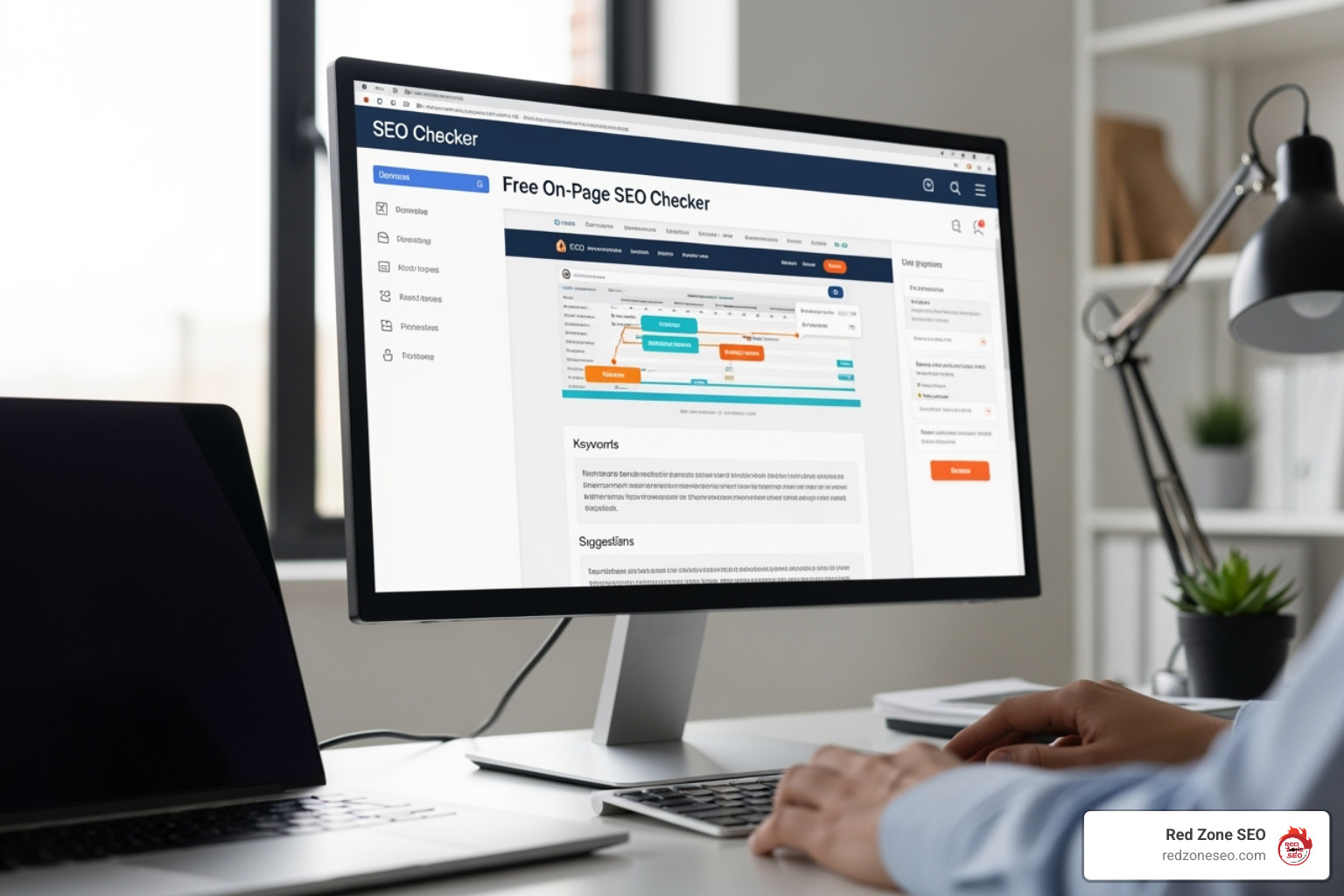
7. Rank Math SEO Analyzer (WordPress)

Rank Math SEO Analyzer inside a WordPress dashboard - free on page seo checker

If your site runs on WordPress, Rank Math places an audit button directly inside your editor. Fix issues as you write, inject rich schema, and—if you run WooCommerce—optimize product pages without leaving the CMS.

How to Turn Your SEO Report into Higher Rankings

A tool's score is useful, but action moves the needle. Follow this comprehensive workflow to transform audit insights into measurable results:

Phase 1: Strategic Page Selection and Prioritization

  1. Scan a priority page. Pick a revenue-generating or high-traffic URL, but be strategic about your choice. Start with pages that:

    • Drive the most organic traffic currently
    • Target high-commercial-intent keywords
    • Sit just outside the first page of results (positions 11-20)
    • Support your primary business objectives
  2. Create a severity matrix. Not all SEO issues are created equal. Categorize findings into:

    • Critical: Blocking crawling, causing 404s, or severely impacting Core Web Vitals
    • High Impact: Missing title tags, duplicate content, or slow load times
    • Medium Impact: Suboptimal meta descriptions, image compression opportunities
    • Low Impact: Minor heading structure tweaks or internal link additions

Phase 2: Technical Foundation Fixes

  1. Fix critical errors first. Anything blocking crawling or tanking UX—like broken links, noindex tags, or a 5-second LCP—deserves same-day attention. These issues can completely prevent your content from ranking, regardless of quality.

    Common critical fixes include:

    • Removing accidental noindex tags from important pages
    • Fixing 404 errors that break user journeys
    • Resolving server errors (5xx status codes)
    • Implementing proper redirects for moved content
    • Optimizing images causing slow load times

Phase 3: Content and User Experience Optimization

  1. Tackle low-hanging fruit. These quick wins often provide immediate improvements:
    • Rewrite titles and meta descriptions for clarity and click-ability—focus on compelling copy that includes your target keyword naturally
    • Ensure one descriptive H1 that clearly communicates your page's primary topic
    • Add or improve alt text for all images, making them descriptive and keyword-relevant where appropriate
    • Compress heavy images without sacrificing quality—aim for under 100KB for most web images
    • Optimize URL structure to be descriptive and keyword-rich
    • Improve internal linking by adding contextual links to related pages

Phase 4: Content Improvement and Expansion

  1. Address content gaps. Use your checker's insights to:
    • Expand thin content that doesn't adequately cover the topic
    • Add semantic keywords and related terms naturally throughout your copy
    • Include FAQ sections to capture long-tail search queries
    • Update outdated information, statistics, or references
    • Improve content structure with better subheadings and bullet points

Phase 5: Monitoring and Iteration

  1. Re-crawl and measure. Submit the URL in Google Search Console, then rerun your checker after a week to confirm the error count drops. Track these key metrics:

    • Overall SEO score improvement
    • Core Web Vitals performance
    • Crawl error reduction
    • Page speed improvements
    • Mobile usability improvements
  2. Iterate and optimize continuously. SEO is an ongoing process:

    • A/B-test headlines and meta descriptions to improve click-through rates
    • Monitor ranking changes for target keywords
    • Expand successful content with additional sections or related topics
    • Refine internal links based on user behavior data
    • Update content regularly to maintain freshness signals

Advanced Optimization Strategies

Schema markup implementation: Add structured data to help search engines understand your content context better. This can lead to rich snippets and improved search appearances.

User engagement optimization: Beyond technical fixes, focus on metrics that indicate content quality:

  • Reduce bounce rate through better content organization
  • Increase time on page with engaging, comprehensive information
  • Improve click-through rates with compelling titles and descriptions
  • Improve user experience with clear navigation and fast loading

Competitive analysis integration: Use your checker results alongside competitor research to identify content gaps and optimization opportunities your rivals might have missed.

Need keyword ideas or competitive gaps? Visit our deep dive on More info about Keyword Research.

Understanding the Limits of Free Checkers

A free on page SEO checker is like a routine doctor visit—fantastic for early detection, but it doesn't replace a full MRI. Understanding these limitations helps you make informed decisions about when to invest in more comprehensive SEO solutions.

What Free Tools Don't Cover in Depth

Backlink quality and off-page signals. Authority is still earned largely through links from other trusted sites. Free checkers might mention the importance of backlinks, but they can't analyze:

  • The quality and relevance of sites linking to you
  • Toxic links that might be harming your rankings
  • Competitor backlink strategies and opportunities
  • Link velocity and natural link-building patterns
  • Anchor text distribution and optimization opportunities

Comprehensive competitor intel. Knowing why a rival outranks you often requires deeper keyword, content-gap, and link-gap analysis. Free tools provide surface-level insights but miss:

  • Detailed competitor content strategies
  • Keyword opportunities your competitors are capturing
  • Technical advantages competitors might have
  • Content gaps where you could outperform rivals
  • Seasonal ranking patterns and trends

Historical trend tracking. Most free tiers give you a snapshot, not month-over-month movement. This limitation means you can't:

  • Track the impact of your optimization efforts over time
  • Identify seasonal ranking patterns
  • Spot gradual declines before they become major issues
  • Correlate algorithm updates with ranking changes
  • Measure ROI from SEO investments accurately

Crawl-budget management for large sites. Enterprise domains need to guide bots toward their most profitable URLs. Free checkers typically can't:

  • Analyze crawl efficiency across thousands of pages
  • Identify crawl budget waste on low-value pages
  • Optimize XML sitemaps for large-scale sites
  • Manage complex URL parameter handling
  • Coordinate crawling priorities across multiple subdomains

Additional Limitations to Consider

Limited crawl frequency and depth: Free tools often restrict how many pages you can analyze per month or how frequently you can run checks. This makes it difficult to:

  • Monitor large websites comprehensively
  • Track changes in real-time
  • Conduct thorough site-wide audits
  • Test and measure optimization impacts quickly

Basic reporting and collaboration features: Free versions typically offer:

  • Limited export options for sharing results
  • No white-label reporting for agencies
  • Minimal integration with other marketing tools
  • Basic or no team collaboration features
  • Limited historical data storage

Surface-level technical analysis: While free checkers catch obvious technical issues, they might miss:

  • Complex JavaScript rendering problems
  • Advanced server configuration issues
  • Sophisticated duplicate content scenarios
  • International SEO and hreflang implementation
  • Advanced schema markup opportunities

When to Upgrade Beyond Free Tools

You're managing multiple websites: Free tools become impractical when you need to monitor several domains regularly.

Your site has 100+ pages: Comprehensive audits require tools that can crawl and analyze large sites efficiently.

You need competitive intelligence: Understanding your market position requires tools that can analyze competitor strategies in detail.

ROI tracking is essential: Measuring the business impact of SEO efforts requires historical data and advanced analytics.

You're in a competitive industry: Highly competitive markets demand sophisticated strategies that free tools can't support.

Making the Most of Free Tools

Despite their limitations, free checkers provide tremendous value when used strategically:

  • Start with high-priority pages: Focus free scans on your most important URLs
  • Create a rotation schedule: Regularly audit different sections of your site
  • Combine multiple tools: Use several free checkers to get a more complete picture
  • Document findings systematically: Track issues and fixes in a spreadsheet
  • Focus on actionable insights: Prioritize recommendations you can implement immediately

When you've squeezed all the juice from free audits, consider a custom SEO Audit to uncover hidden technical barriers, refine content strategy, and map out next-level link opportunities. Skipping that step can cost far more in lost traffic than the audit ever would. Curious about pricing? See our breakdown of SEO Audit Cost.

Frequently Asked Questions About On-Page SEO Checkers

What is a good SEO score?

Most tools label anything 80 percent or higher as healthy. Scores between 50–79 show moderate issues; below 50 signals urgent problems. Each platform weighs factors differently—use the score to benchmark your own progress, not as a guaranteed ranking predictor.

I scored 100 %. Why am I not #1 in Google?

On-page excellence is only one slice of Google’s 200+-factor pie. You still need authority (quality backlinks), solid domain history, strong user engagement signals, and an offer that precisely meets search intent. Think of it like acing the written exam—you still have to pass the driving test.

How often should I run a check?

  • After major edits to any key page.
  • Quarterly for your top-converting URLs.
  • Monthly for a site-wide sweep to catch new 404s, slow images, or rogue noindex tags.
  • Immediately after large-scale changes such as domain moves or theme redesigns.

Routine check-ups keep small issues from snowballing into ranking killers.

Conclusion: From Free Tools to Full-Scale Growth

Free checkers hand you a clear punch list. Execute it and you’ll notice faster load times, richer snippets, and climbing positions—often in weeks, not months. But the biggest wins come when foundation work meets strategic depth.

That’s where Red Zone SEO steps in. From Austin to Las Vegas—and everywhere in between—we transform audits into revenue through data-driven content, local SEO, and technical mastery. Ready to build something bigger than a quick fix? Explore our Las Vegas SEO Services and let’s grow together.


Explore Other Blog Posts

Copyright 2026 | Privacy Policy | Tems of Service | Powered by GETBIG