
Is your website struggling to rank on Google, even with great content? The hidden problem might be your site's technical setup. Technical SEO is the foundation of your digital presence; if it's weak, even the best content and design will falter. With over 3.5 billion Google searches daily and most users staying on the first page, you can't afford to be invisible.
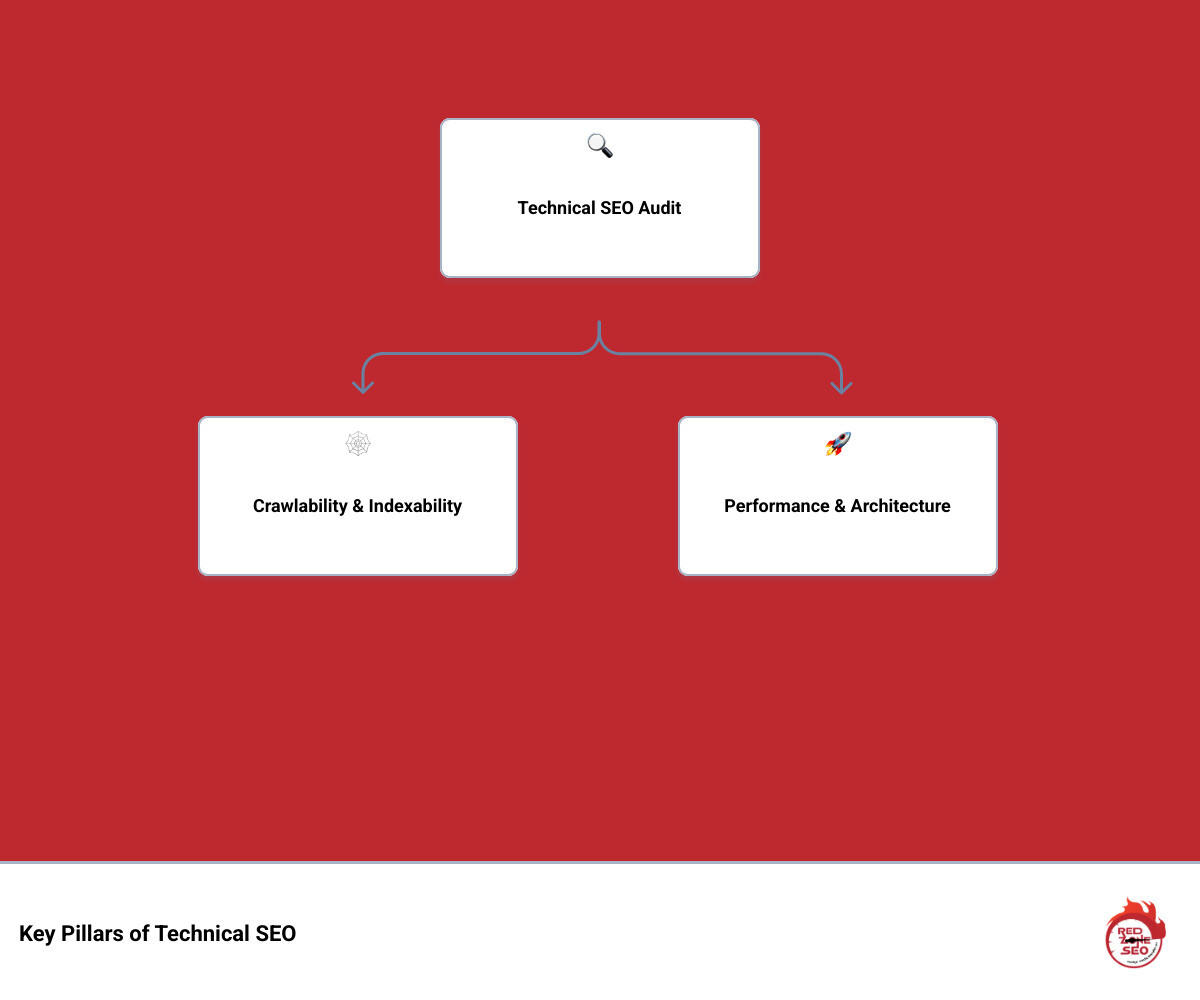
Learning how to conduct a technical seo audit is crucial for identifying and fixing the backend issues that prevent your site from ranking. This process involves a deep dive into your site's health, covering key areas like:
This comprehensive guide from Red Zone SEO will walk you through each step. You’ll learn to spot and fix the technical barriers holding your site back, paving the way for SEO success.
Before diving into how to conduct a technical SEO audit, you need the right tools. A well-equipped toolkit is crucial for identifying issues accurately and efficiently. A smart mix of free and paid tools will give you the comprehensive data needed for a thorough analysis. Here are the essentials:
Google Search Console (GSC): Your direct line to Google. GSC is indispensable for understanding how Google sees your site. Go beyond a surface-level check:
Google Analytics (GA): While not a pure technical tool, GA provides vital user behavior data. Analyze Organic traffic landing pages. A sudden drop in traffic to a specific page or group of pages could correlate with a technical issue you uncover. Check Landing page performance and cross-reference slow or high-bounce-rate pages with your technical findings.
Site Crawlers: These tools simulate search engine bots, crawling your site to find technical errors. While we use our proprietary site audit tools at Red Zone SEO, industry standards are excellent choices:
noindex or canonical.Page Speed Tools: Speed is a critical ranking factor. Use a combination of tools for a complete picture:
Rich Results & Schema Testers: To earn eye-catching rich results, your structured data must be flawless. Use Google’s Rich Results Test to validate your markup and check for eligibility for specific SERP features. The Schema Markup Validator is more comprehensive for debugging the syntax of your structured data, even if it's not for a Google-supported rich result.
Browser Developer Tools: Built into browsers like Chrome and Firefox (access with F12 or right-click > Inspect), these are powerful free tools for on-the-fly debugging. Use the Elements tab to inspect the rendered HTML, the Console to spot JavaScript errors, and the Network tab to analyze load times and identify large files.
With your toolkit ready, it's time to ensure search engines can find, crawl, and understand your content. This step focuses on the foundational blueprint of your website, guiding both bots and users. For more on our strategic approach, you can learn about our SEO process.
Crawlability is a search engine's ability to access your website's content. If Google can't crawl a page, it can't rank it.
yourdomain.com/robots.txt. Ensure you aren't accidentally blocking important resources like CSS or JavaScript files, as this can prevent Google from rendering your pages correctly. A common mistake is a Disallow: / directive left over from development. Your robots.txt should also link to your XML sitemap using the Sitemap: directive. For details, see robots.txt guidelines.Indexability is whether Google adds a crawled page to its index. A page can be crawlable but not indexed due to quality issues or specific directives.
site:yourdomain.com Search: Use this Google search to get a rough estimate of how many of your pages are indexed. A large discrepancy between this number and the number of pages in your sitemap can signal a problem.noindex, nofollow) tell search engines how to treat a page. A noindex tag prevents indexing, while nofollow prevents the bot from following links on the page. The X-Robots-Tag is an HTTP header equivalent, useful for blocking non-HTML files like PDFs or images from being indexed. Check these carefully during your audit.rel="canonical" tag specifies the preferred version of a page, preventing duplicate content issues. Ensure they are implemented correctly on pages with similar content (e.g., product variations, pages with UTM parameters). Every indexable page should have a self-referencing canonical tag.A logical site architecture helps search engines understand page relationships and improves user experience.
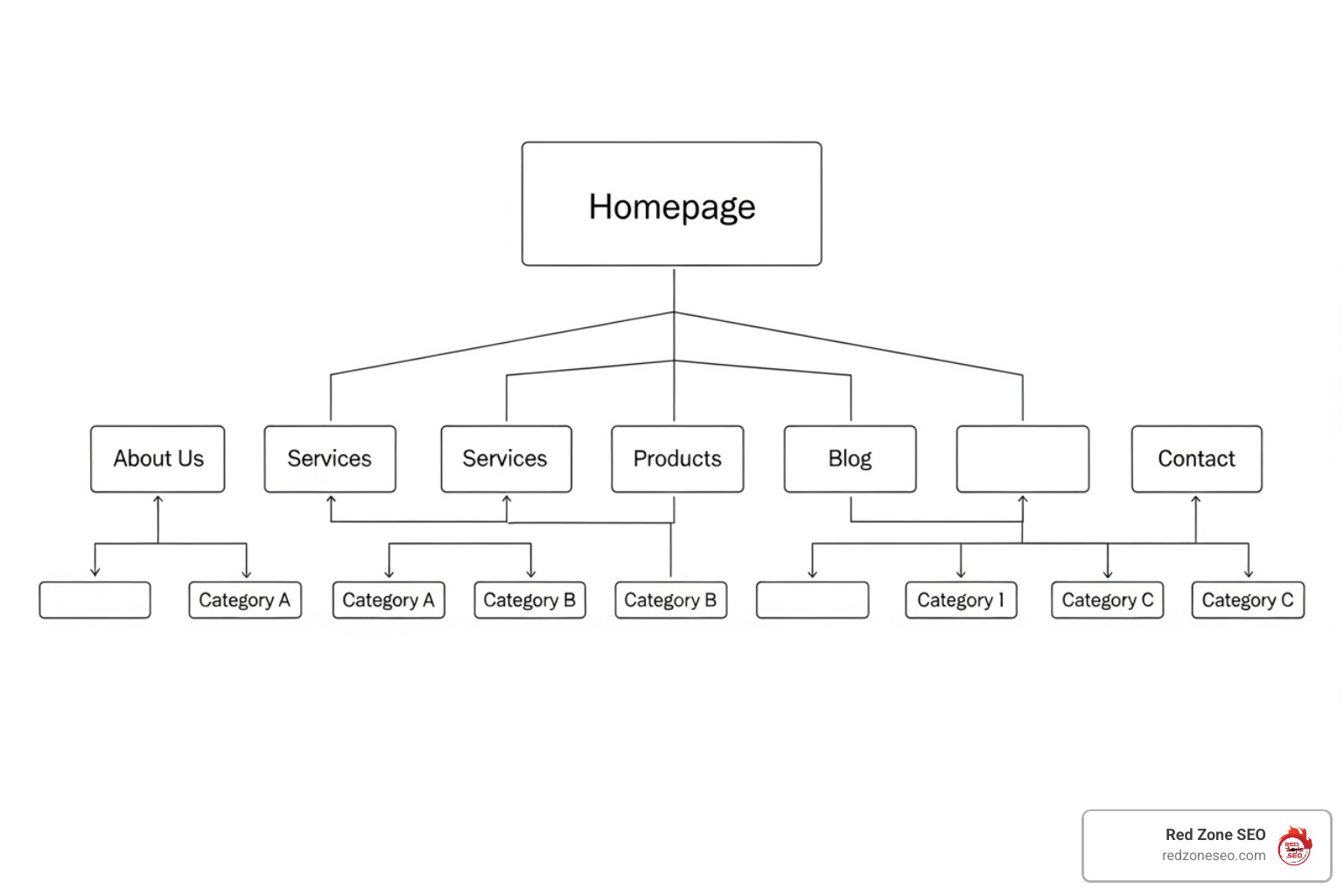
example.com/technical-seo-audit). Avoid long, messy URLs with excessive parameters (?id=123&session=xyz). If parameters are unavoidable, use the URL Parameters tool in GSC or canonical tags to handle them.Users expect a fast, seamless experience on any device, and Google's ranking algorithms reflect this. The Page Experience Update made it clear: a positive user experience is essential for SEO success.
A slow website hurts user satisfaction and rankings. When you learn how to conduct a technical SEO audit, speed must be a top priority.
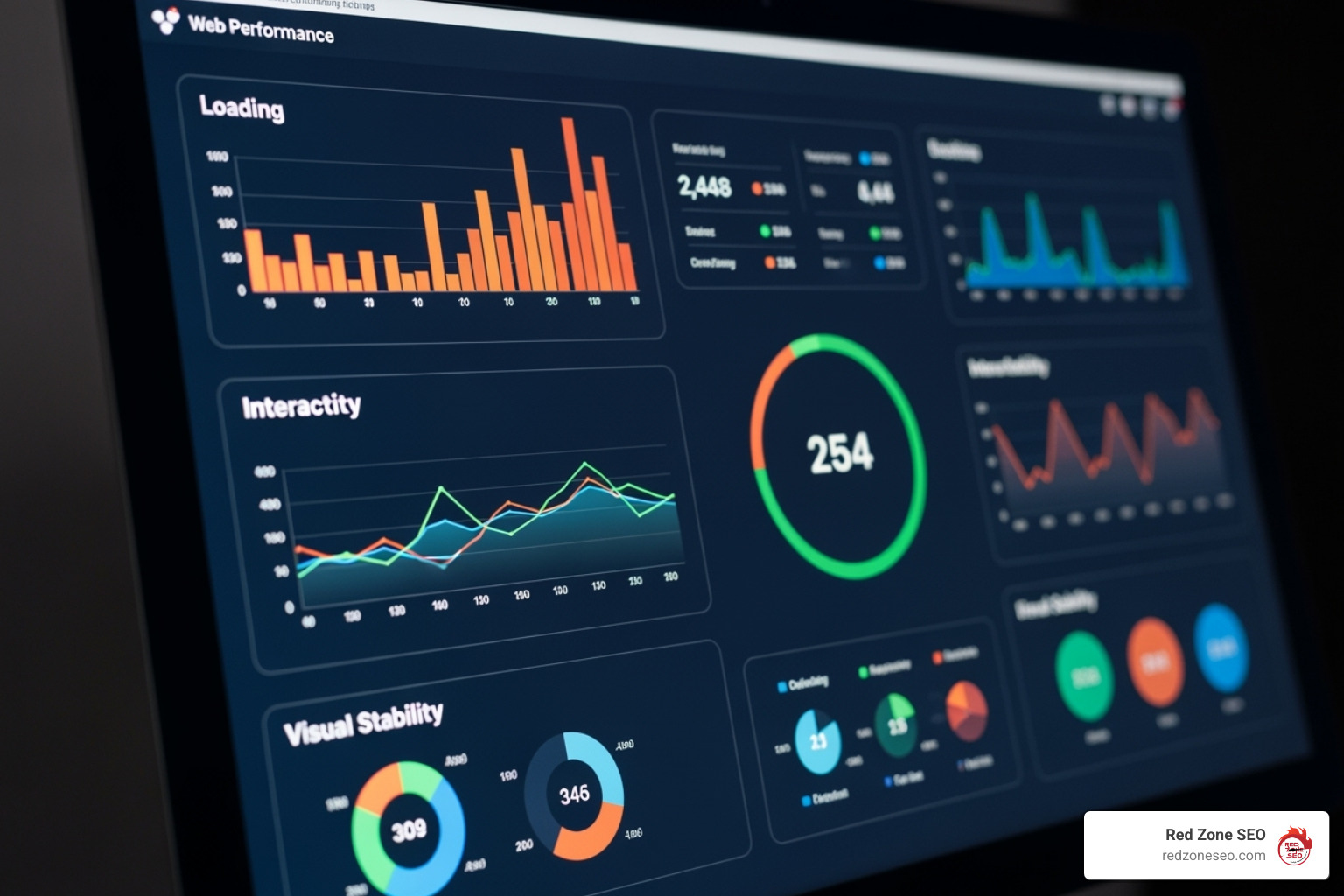
Google uses Core Web Vitals (CWV) to measure user experience. You can learn more about them here: Core Web Vitals explained. The key metrics are:
To improve your site speed, focus on these key areas:
rel="preload" to tell the browser to fetch critical resources (like a key font file or CSS stylesheet) earlier than it normally would.With over 60% of web traffic on mobile and Google using mobile-first indexing, your site must be flawless on mobile devices. Google primarily evaluates your mobile site to determine rankings.
Use a responsive design so your site automatically adjusts to any screen size. You can check your site's status with Google's Mobile-Friendly Test and monitor for site-wide issues in the Mobile Usability report in Google Search Console. Pay close attention to common errors reported by GSC, such as:
Also, avoid intrusive interstitials (pop-ups) that cover the main content and harm the mobile experience, as Google may penalize sites that use them.
With the fundamentals covered, it's time for advanced optimizations. These tweaks help your site communicate more effectively with search engines, improve security, and reach a global audience. This is a key part of learning how to conduct a technical seo audit like a professional.
Structured data (or Schema Markup) is code that translates your content for search engines, helping them understand its context. While not a direct ranking factor, it helps you earn rich results—improved, eye-catching listings in search results like star ratings, FAQs, and product details.
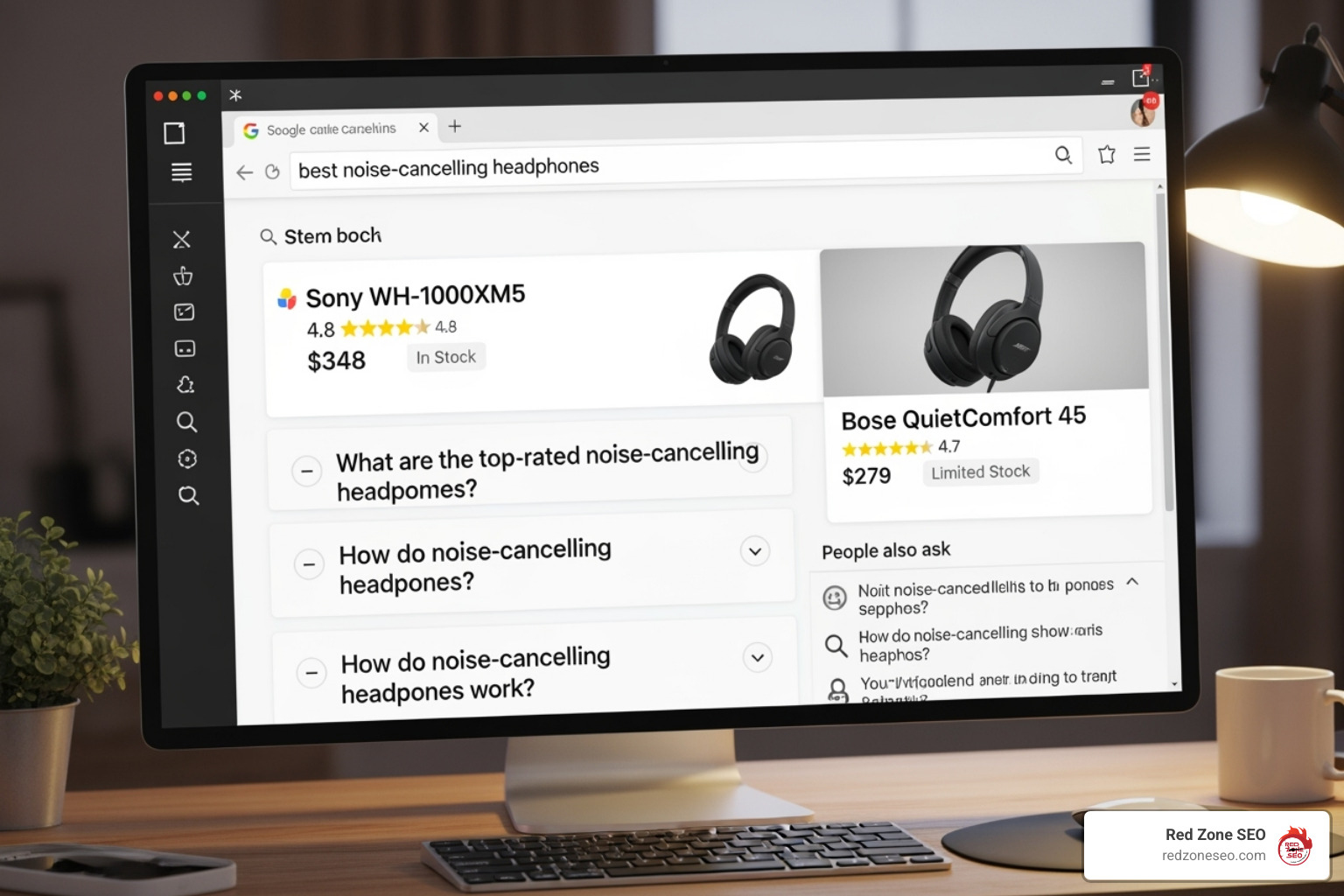
These rich results can significantly increase your click-through rate. First, identify relevant schema types for your content from Schema.org. Common valuable types include Article, Product, FAQPage, HowTo, LocalBusiness, and BreadcrumbList. Implement the code using JSON-LD, which is Google's recommended format as it's easier to deploy and manage separately from the HTML. After implementation, use Google's Rich Results Test to validate your code and check for errors or warnings. You can also monitor performance and errors for specific schema types in Google Search Console.
Modern websites rely on JavaScript for dynamic features, but it can be challenging for search crawlers. Google can render JavaScript, but this happens in a second wave of indexing, which can be delayed. If critical content or links are only visible after rendering, their indexing can be slowed or missed entirely.
onclick events instead of standard HTML <a href> tags).HTTPS is essential for all websites. It encrypts data between the user's browser and your server, protecting user privacy and building trust. HTTPS is a confirmed Google ranking signal.
If you target audiences in different countries or languages, international SEO is crucial. The hreflang tag is an HTML attribute that tells Google about different language or regional versions of a page. This helps serve the correct version to the right user and prevents duplicate content issues.
Correct implementation is key. Common errors include using incorrect language/country codes (e.g., en-uk instead of the correct en-gb) or failing to include return links (if Page A links to Page B, Page B must link back to Page A). A correct implementation in the HTML <head> for a page targeting users in the US and Germany would look like this:
<link rel="alternate" hreflang="en-us" href="https://example.com/page" />
<link rel="alternate" hreflang="de-de" href="https://example.com/de/page" />
<link rel="alternate" hreflang="x-default" href="https://example.com/page" />
For your site structure, you can use country-code domains (ccTLDs like example.de), subdirectories (example.com/de/), or subdomains (de.example.com).
An audit's value lies in turning findings into impactful changes. This step is about analyzing your data, prioritizing tasks, and creating a clear action plan to generate measurable results.
During your audit, you likely uncovered a variety of issues. The table below summarizes common problems, their impact, and how to fix them.
| Common Technical SEO Issues | Impact | How to Fix Them |
|---|---|---|
| Duplicate Content | Confuses search engines, dilutes link equity, can lead to lower rankings. | Implement 301 redirects for preferred versions. Use canonical tags for similar content. |
| Thin Content | Offers little value to users/search engines, wasting crawl budget. | Consolidate similar pages, expand content with unique value, or noindex if irrelevant. |
| Broken Links (Internal & External) | Poor user experience, lost link equity, wasted crawl budget. | Use site crawlers to find 404 errors. Update or remove the links. |
| Redirect Chains & Loops | Wasted crawl budget, slower page load, diminished link equity. | Audit redirects to ensure a single 301 redirect instead of a chain. Fix loops. |
| Incorrect Redirects (302 vs. 301) | 302s (temporary) don't pass link equity like 301s (permanent). | Use 301 redirects for content that has moved permanently. Use 302s only for truly temporary moves. |
| 404 Errors (Not Found) | User frustration, lost link equity from inbound links. | For important pages, 301 redirect to a relevant live page. Update internal links pointing to them. |
| Soft 404s | A page that says "Not Found" but returns a 200 (OK) status code. | Configure the server to return a proper 404 status code for pages that don't exist. |
| 5xx Server Errors | Prevents crawling and indexing, indicates server-side problems. | Requires immediate attention from your hosting provider or development team. |
| Missing/Duplicate Meta Tags | Hurts CTR and on-page SEO. Confuses search engines. | Write unique, compelling titles and descriptions for every important page. |
| Orphaned Pages | Unfindable by users and search engines as they have no internal links. | Add internal links from relevant, authoritative pages. |
Auditing a site with thousands or millions of pages requires a strategic approach. Key considerations include:
robots.txt strategically to block low-value sections (e.g., filtered navigation URLs) and a clean sitemap to guide Googlebot to your most important pages.noindex directives, and parameter handling rules in Google Search Console to manage the crawl and indexing of these URLs.Not all issues are created equal. Use a prioritization matrix to classify fixes by Impact vs. Effort. For example, fixing a robots.txt file that's blocking your entire site is High Impact, Low Effort. Re-architecting your entire URL structure is High Impact, High Effort.
Create detailed tickets for your development team for each task, outlining the issue, specific URLs affected, the recommended solution, and the priority level. Assign ownership and set deadlines to ensure accountability. Understanding the investment required is important, and you can find more information about our approach to SEO audit costs on our site.
Technical SEO is an ongoing process. After implementing fixes, track your changes. Use annotations in Google Analytics to mark deployment dates. Monitor GSC for resolved issues in the Coverage report and improvements in the Core Web Vitals report. Compare crawl data before and after to verify success. Schedule regular follow-up audits (e.g., annually for a deep dive, quarterly for health checks) to catch new problems. Documenting your improvements and their impact on traffic and rankings is key to proving the value of your work.
These three audits cover different aspects of your SEO strategy, but they work together.
A comprehensive SEO Audit from a provider like Red Zone SEO will cover all three areas for a holistic view of your performance.
The ideal frequency depends on your site's size and complexity, but here's a general guideline:
Yes, you can definitely perform a basic technical audit yourself using this guide and the tools mentioned. Checking for broken links, running a speed test, or reviewing your robots.txt file are accessible tasks that can uncover common problems.
However, diagnosing and fixing complex issues—like JavaScript rendering problems, server errors, or deep architectural flaws on a large website—often requires specialized expertise. For platforms like WordPress, which have their own technical quirks, our specialized WordPress SEO Services can help steer these challenges.
Knowing your limits is key. Start with the basics, and don't hesitate to bring in an expert when you encounter issues beyond your comfort zone. Even a basic understanding of how to conduct a technical seo audit will make you a more informed site owner.
We've covered the essential steps of how to conduct a technical SEO audit, from gathering tools and checking crawlability to optimizing for speed and tackling advanced elements. The goal is to transform your audit findings into a clear action plan that strengthens your website's foundation.
Think of your website as a high-performance car. Great content and design are the sleek body, but technical SEO is the finely-tuned engine that powers it. Without a healthy technical foundation, even the best content and backlinks will struggle to deliver results. A technically sound site is non-negotiable for ranking well in 2025.
Technical SEO is not a one-time task but an ongoing process of monitoring and improvement. By applying these principles, you are empowered to maintain your site's health and ensure it's always ready to perform at its best.
For businesses in Las Vegas, Henderson NV, Austin, Florida, and beyond, Red Zone SEO provides the data-driven solutions needed to tune your website for both search engines and users. We focus on measurable results and proven strategies to build your success on a rock-solid foundation.
Ready to outrank the competition? Take the first step with a professional audit. Find our Las Vegas SEO services and let's build your pathway to online success.