
To succeed online, your store must appear in search results. An ecommerce seo audit checklist is a systematic review of your online store's search engine optimization (SEO) performance. It's designed to identify strengths, weaknesses, and opportunities to improve your visibility and organic traffic.
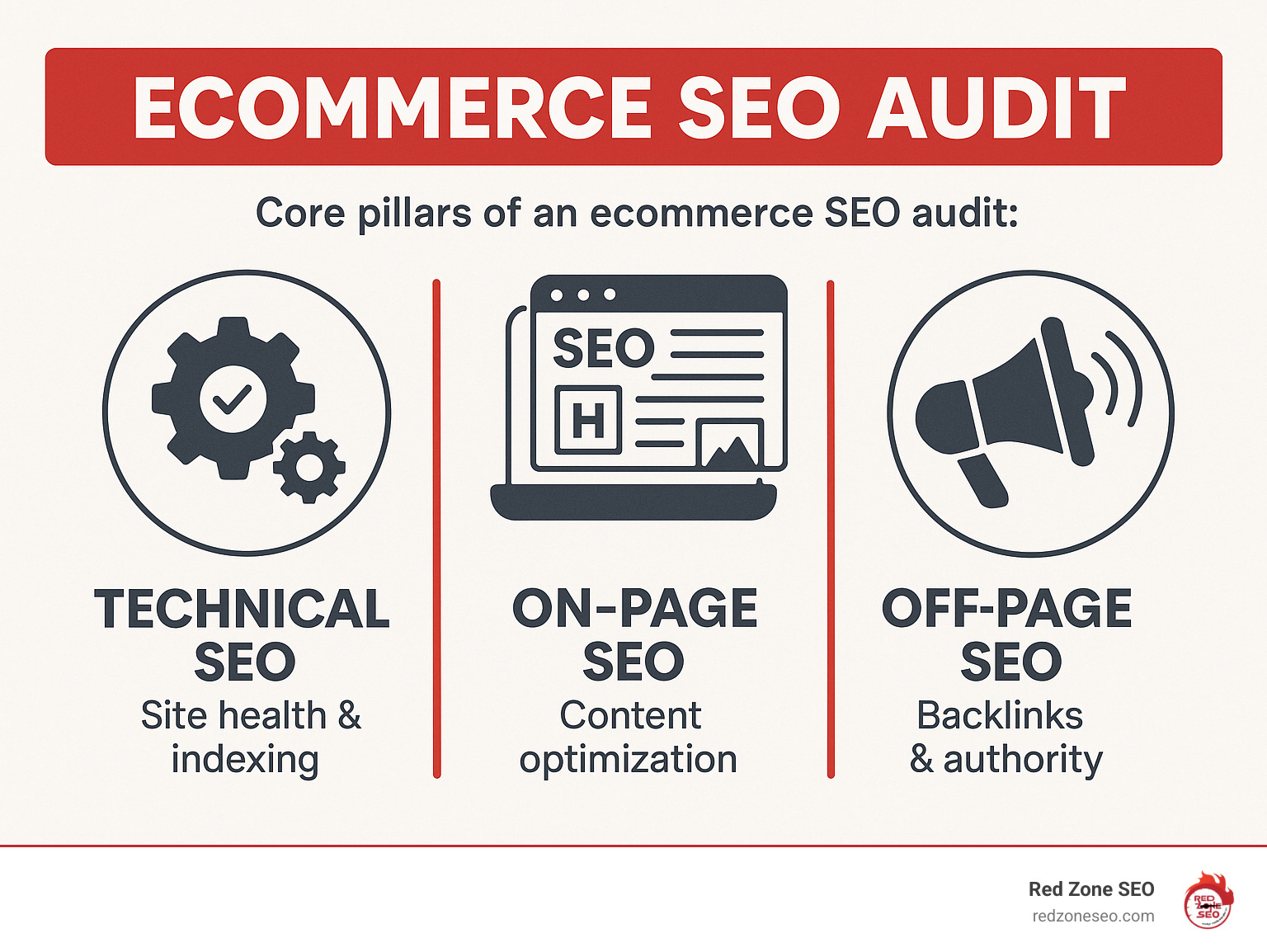
An audit typically includes:
Why is this so important? Because organic search is a goldmine for ecommerce. It drives 43% of all traffic to online stores, but visibility is concentrated at the very top. The first three Google results get a massive 75% of all clicks, and less than 1% of users ever look at the second page. If you're not on page one, you're nearly invisible.
An SEO audit is like a health check-up for your store. It helps you find and fix issues that are keeping you hidden from potential customers. Regular audits ensure your site stays healthy, ranks well, and gives you a significant edge over competitors.
Learn more about ecommerce seo audit checklist:
The competition in online retail is fierce. Simply having a great product isn't enough—you need to be found. For most shoppers, the journey begins with a search engine. This traffic is not just high in volume, but also in quality. People searching for specific products are often ready to buy, and the #1 position in search results has an average Click-Through Rate (CTR) of 27.3%, making it 10 times more likely to get clicked than the #10 position.
Furthermore, mobile commerce is booming. With more than three-quarters of shoppers using a mobile device to look for products and sales projected to hit $710.4 billion by 2025, a mobile-first approach to SEO is critical. If your site isn't optimized for mobile, you're missing a huge segment of your audience.
You can learn more about how we help businesses with their online presence by checking out our page on SEO for Online Business.
The goal of your ecommerce seo audit checklist is to take a holistic approach to improving your store's health and profitability. It's about more than just finding problems.
First, we identify technical glitches, content gaps, and off-page weaknesses. These become clear targets for improvement.
Second, we uncover growth opportunities. This could mean finding new keywords to target, content to create, or internal linking strategies to implement.
Finally, the audit helps create an actionable, prioritized roadmap. We help you understand which fixes will have the biggest impact so you can see results faster. By improving rankings, attracting qualified traffic, and enhancing user experience, the ultimate goal is to increase your revenue.
For a broader understanding of how we approach website audits, visit our SEO Audit page.
Before diving into your ecommerce seo audit checklist, you need the right equipment. Having essential SEO tools is crucial for accuracy, efficiency, and gathering the baseline data needed to measure your success. Without this data, you're just guessing.
While many tools exist, a few are must-haves for any serious SEO audit. Here are the core players:
Google Analytics 4 (GA4): The standard for understanding user behavior. Use it to track where your visitors come from, what pages they view, and how they convert into customers. Get started at Google Analytics 4.
Google Search Console (GSC): This is Google's direct line to your website. It provides vital information on how Google sees your store, including crawl errors, keyword performance, and Core Web Vitals. Access it here: Google Search Console.
Website Crawler: An essential tool for X-raying your entire website. Crawlers like Screaming Frog, Semrush Site Audit, or Ahrefs Site Audit are excellent at finding hidden technical issues like broken links, redirect chains, or duplicate content.
Keyword Research Tool: To connect with customers, you must speak their language. Tools like Semrush, Ahrefs, or Google Keyword Planner help you find the exact phrases your potential buyers are using in search engines.
Page Speed Tool: Speed is non-negotiable. Google loves fast websites, and so do customers. A tool like PageSpeed Insights analyzes your page load times and provides clear steps for improvement.
At Red Zone SEO, we use a suite of advanced tools to get incredible results for our clients, but these categories form the foundation for any comprehensive ecommerce seo audit checklist.
Properly configuring your website crawler is critical, especially for large ecommerce sites. A careful setup ensures you gather the most accurate and complete data for your ecommerce seo audit checklist.
With your tools ready, it's time for the main event: your ecommerce seo audit checklist. We'll systematically review every crucial element of your store's SEO health, broken down into three core parts: Technical SEO, On-Page & Content SEO, and Off-Page SEO.

Technical SEO is the foundation of your site's performance. It ensures search engines can easily find, crawl, and index your content. Without a solid technical base, even the best content and backlinks won't achieve their full potential. We'll examine crawlability, indexability, site structure, mobile-friendliness, speed, and security.
This step ensures Googlebot can efficiently access your site.
?color=red) are handled in GSC to prevent duplicate content. Use Google's URL parameter crawl tool to manage this.Speed is critical for both SEO and user experience. If your site takes longer than 3 seconds to load, 53% of your visitors will click away. Google's Core Web Vitals are a key ranking factor.
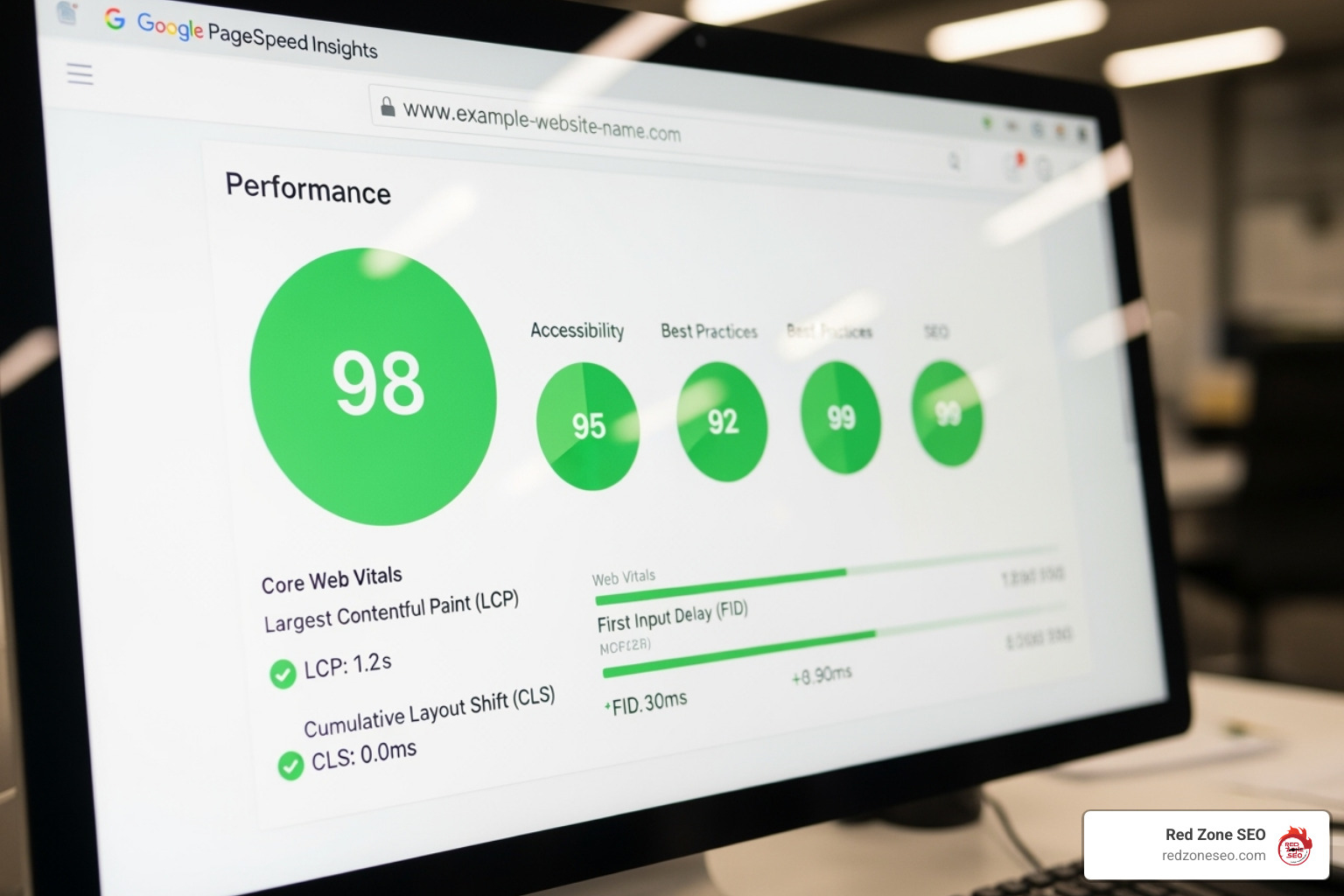
With Google's mobile-first indexing, your mobile site's performance is paramount for rankings.
With a solid technical foundation, we now focus on your on-page content. This involves optimizing for keywords, improving content quality, and ensuring your pages are structured for both users and search engines. Learn more about our approach with our Content Optimization services.
/womens-shoes/red-heels).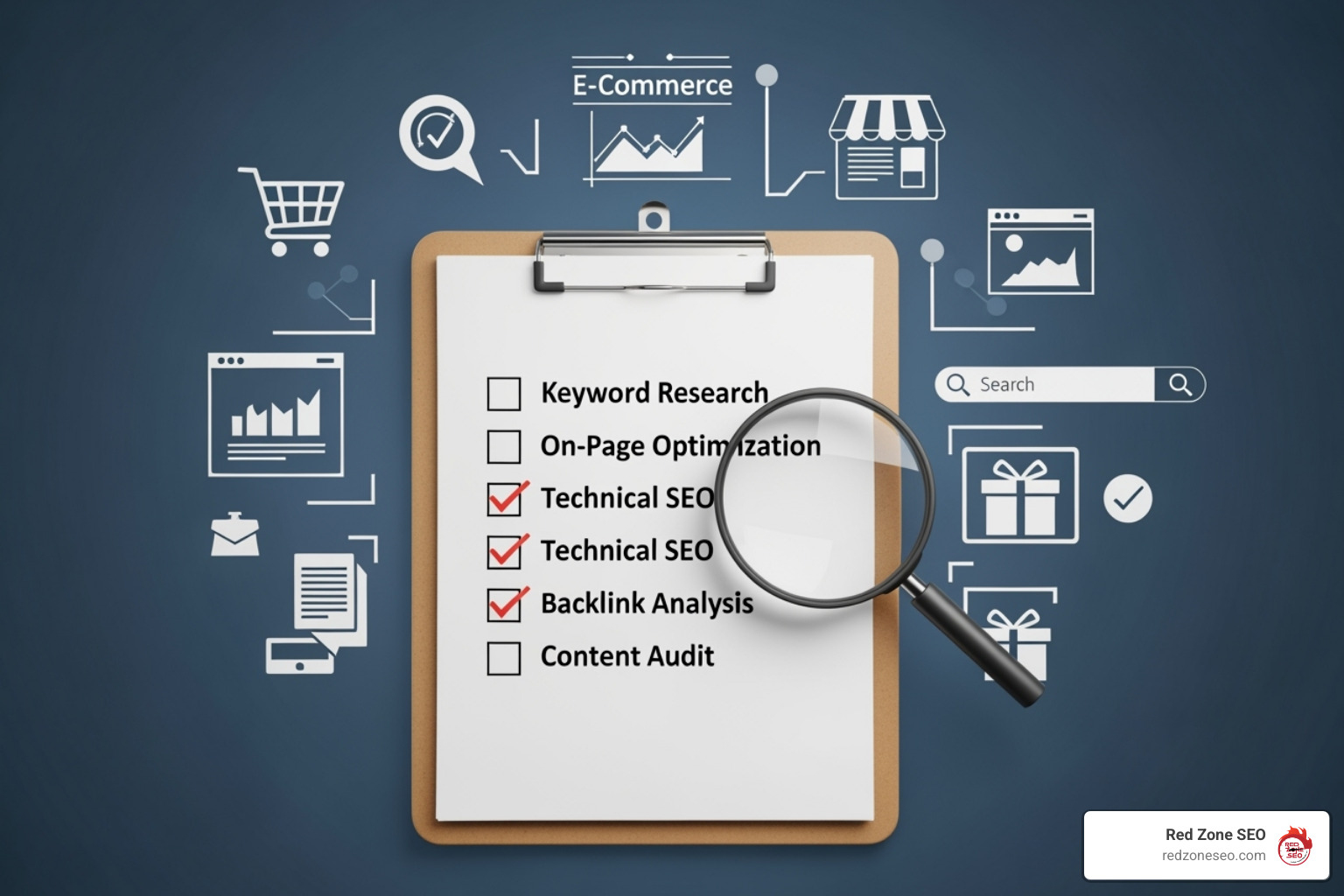
Off-page SEO involves activities outside your website, primarily building a strong backlink profile. High-quality links act as votes of confidence, boosting your site's authority. Learn more at our Link Building Services page.
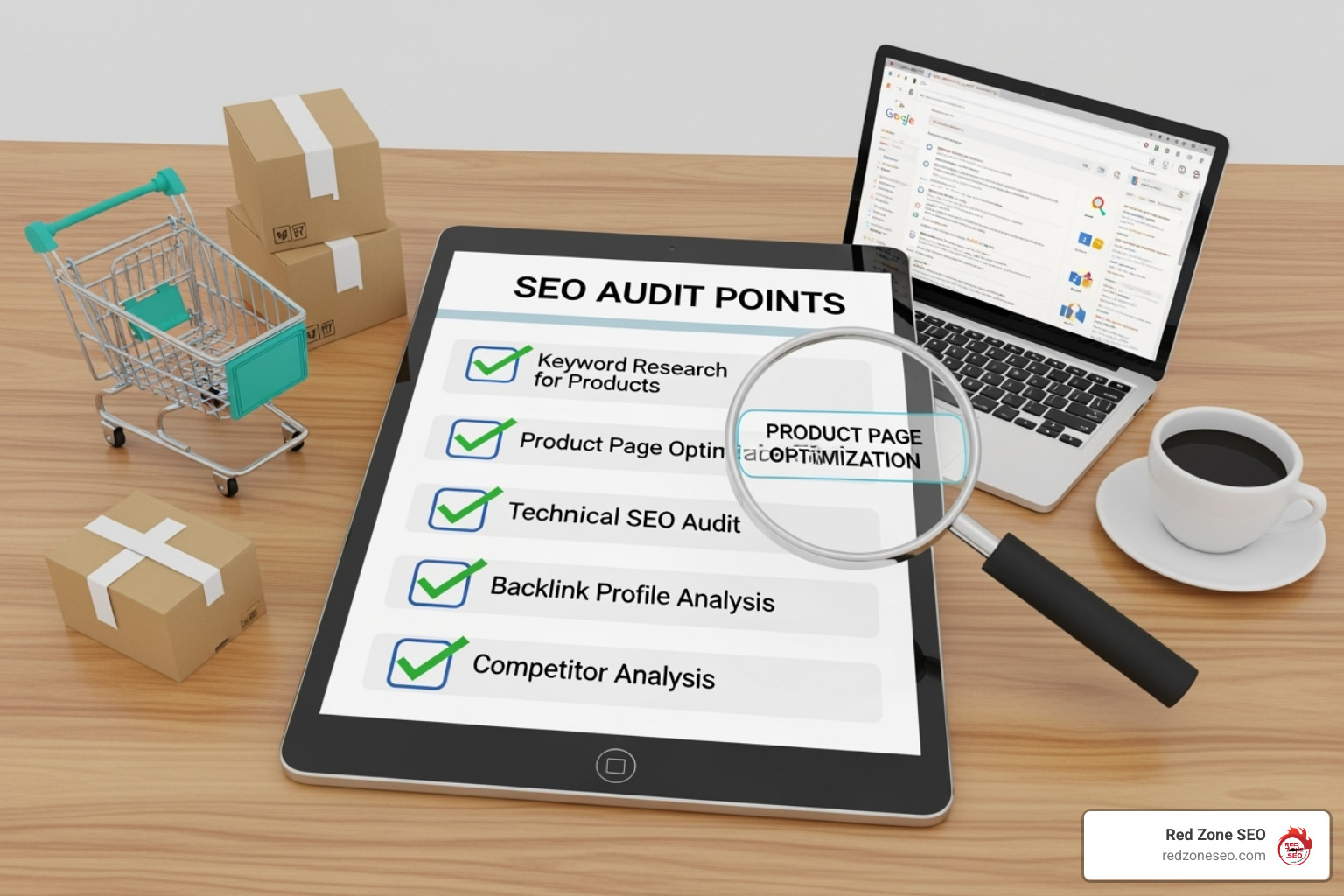
Completing the ecommerce seo audit checklist is just the beginning. Now you must turn those findings into an actionable plan. Without clear priorities and a way to track progress, your hard work won't translate into more traffic and sales.
An audit can uncover many issues. The key is to organize them into a manageable roadmap.
Here’s a simple example of a prioritization matrix:
| Issue | Impact (High/Med/Low) | Effort (High/Med/Low) | Priority (High/Med/Low) |
|---|---|---|---|
| Broken Internal Links | High | Low | High |
| Duplicate Product Descriptions | Medium | Medium | Medium |
| Slow Mobile Page Speed | High | High | High |
| Missing Product Schema | Medium | Low | Medium |
| Toxic Backlinks | High | Low | High |
How do you know if your changes are working? SEO is a continuous process of implementation and measurement. Track these Key Performance Indicators (KPIs) to measure the success of your efforts:
By consistently monitoring these metrics, you can refine your strategy and ensure your ecommerce seo audit checklist continues to drive measurable growth.
It's natural to have questions about the ecommerce seo audit checklist. Here are answers to some of the most common ones we receive.
Think of your website as a dynamic asset. For a full, comprehensive audit, we recommend doing one at least once every six months. This regular check-up helps you spot issues before they become major problems and adapt to changes in the search landscape.
Consider more frequent, focused check-ups if you have a very large site, have recently made significant changes (like a platform migration), or after a major Google algorithm update.
The cost of an ecommerce seo audit checklist varies significantly. The price depends on several factors:
To understand the factors that contribute to the price, see our detailed page on SEO Audit Cost.
Yes, you can! With the right tools and a clear ecommerce seo audit checklist like this one, a DIY audit is possible. It can be a fantastic learning experience that gives you a deeper understanding of your website.
However, be realistic about the time commitment. A thorough audit can take anywhere from a few hours to several days, depending on your site's complexity. It requires a solid grasp of SEO principles and the ability to interpret data. If you have a smaller site and the time to commit, a DIY audit is a great start. For larger, more complex sites, or if you lack the time or expertise, hiring a professional agency can provide a more thorough analysis and a clearer path to success.
We've covered the essentials of an ecommerce seo audit checklist, from the technical foundation to on-page content and off-page authority. The key takeaway is that a regular audit isn't a one-time fix; it's a critical, continuous process that is essential for maintaining and improving your online store's visibility and profitability.
We've seen how organic search is a goldmine for ecommerce and that ranking on the first page of Google is paramount. Every element matters—from a technically sound, fast-loading site to compelling content and a strong backlink profile. An audit doesn't just find problems; it uncovers immense opportunities for growth. By prioritizing fixes and tracking your results, you can turn these insights into a significant increase in revenue.
At Red Zone SEO, we specialize in changing your online presence through data-driven, proven SEO solutions that deliver measurable results. We understand the unique challenges of ecommerce, from managing thousands of product pages to adapting to dynamic content trends. Our team's expertise in keyword research, content creation, and technical SEO ensures your store isn't just visible—it's positioned for success.
You've created valuable products; don't let them stay hidden in the depths of search results. It's time to take control of your online destiny and open up your store's full potential.
Ready to see how a professional SEO audit can boost your sales? We'd love to chat. Visit us at https://redzoneseo.com/seo-services-las-vegas-307753/ to learn more about our custom SEO strategies.