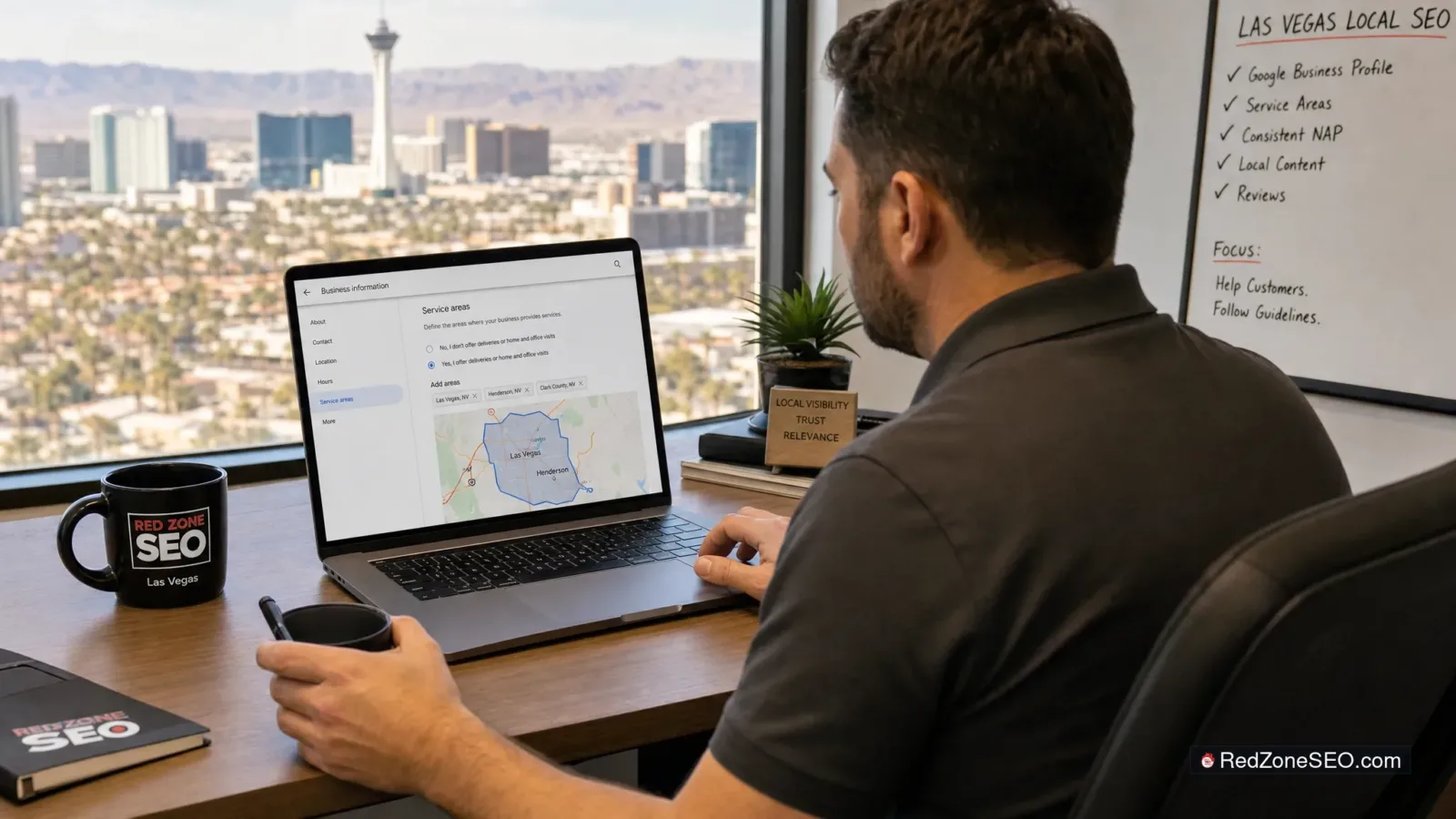
If you run a business that travels to customers in Las Vegas, Henderson, or elsewhere in Clark County, adding service areas to your Google Business Profile can make your listing clearer. It can tell prospective customers where you actually work. But it is not a shortcut to ranking across every neighborhood, city, or ZIP code in Southern Nevada.
The right setup depends on your business model: whether customers visit a staffed location, whether you travel to them, and whether your website and profile accurately represent the same service coverage. Before changing anything, focus on compliance first and local visibility second.
Add service areas if your business qualifies as a service-area business or a hybrid business and you genuinely serve those places. For example, a Las Vegas plumber, mobile detailer, house cleaner, locksmith, pest control company, or in-home repair provider may serve customers at their homes or businesses throughout a defined part of Clark County.
Use service areas to help set customer expectations. They are especially useful when your physical address is not a customer-facing location or when you operate from a legitimate storefront but also travel to customers.
Do not add a long list of cities simply because you want to rank there. Adding Las Vegas, Henderson, Summerlin, North Las Vegas, Boulder City, Paradise, Enterprise, Spring Valley, and distant areas you rarely serve does not turn your profile into a top result in each location. Google’s local results are primarily influenced by relevance, distance, and prominence. A service-area list does not override those factors.
For a direct overview of the wider work that affects local visibility, read How Can Las Vegas Businesses Improve Their Local SEO Rankings?.
Google Business Profile service areas are geographic locations that indicate where an eligible business travels to serve customers. Google allows businesses to identify service areas using cities, ZIP codes, or other geographic areas rather than setting a broad radius around a pin.
For example, an appliance repair business based in Las Vegas may accurately list:
That setup can be useful if the business regularly schedules service calls in those communities. It is a customer-information setting, not a ranking-targeting tool.
Google’s own local ranking guidance explains that local results are based mainly on relevance, distance, and prominence. In practical terms, an accurately configured profile helps, but a business farther from a searcher may still have a harder time appearing for a map search than a closer, relevant, well-established competitor.
For the underlying policy requirements, review Google’s Guidelines for representing your business on Google and its instructions for managing service areas. Google can update these rules, so it is worth checking the current guidance before making a significant profile change.
Service areas are generally appropriate for businesses that go to customers, rather than primarily serving customers at a public-facing location. In Las Vegas local SEO, this often includes home-service and mobile businesses.

A service-area business typically visits customers at their location and does not receive customers at its listed address during normal business hours. Examples may include:
If you operate this way, your profile should generally be configured as a service-area business, and your address should not be publicly shown when customers are not received there. This is particularly important for home-based businesses. A private home address is not automatically a customer-facing office just because the business is registered there.
A hybrid business has a legitimate, staffed location where customers can visit during stated business hours and also travels to customers. An example could be an auto repair business with a signed Las Vegas shop that accepts walk-ins and offers mobile fleet service in Henderson.
A qualifying hybrid business may show its customer-facing address and identify relevant service areas. The key is that both parts of the profile must reflect the real business operation. Customers should be able to visit the listed location during the hours shown, and the business should genuinely travel to the service areas selected.
Multi-location businesses should treat each Google Business Profile as a separate real-world location, not as a way to create coverage through duplicate listings. If you have a true, staffed Las Vegas location and a separate true, staffed Henderson location, each may need its own profile. Each profile should use its correct address, phone details, hours, categories, and service coverage.
Do not create extra profiles for neighborhoods or cities where no eligible business location exists. A virtual office, mailbox, temporary workspace, or unstaffed address can create policy problems and customer confusion.
A storefront should not add broad service areas just because it wants map exposure across Clark County. If customers primarily come to you and you do not routinely deliver or perform services at their locations, a large service-area list may be misleading.
Consider a retail shop near the Las Vegas Strip, a salon in Henderson, or a restaurant in Summerlin. These businesses may welcome customers from across the valley, but that is different from traveling to serve them. Their profile should normally emphasize the correct physical address, categories, hours, website information, photos, and customer experience rather than attempting to make every nearby city a service area.
Similarly, an office should not be presented as a public storefront unless it is genuinely staffed and customers can meet with the business there during the hours listed. A professional service firm may have a real office, but if visits are appointment-only, the profile and website should communicate that clearly.
These issues can lead to poor customer expectations and may place the profile out of alignment with Google’s representation guidance.
When a business is eligible to use Google Business Profile service areas, keep the setup focused and accurate. The goal is not to cover the biggest possible map. The goal is to describe where you can reliably serve customers.

Look at where you regularly accept appointments, send crews, deliver services, or perform work. Include the areas your business can handle without routinely declining requests, adding unreasonable travel constraints, or sending customers elsewhere.
A Las Vegas HVAC company that consistently serves Las Vegas, Henderson, Enterprise, and Spring Valley can list those areas. If it only travels to Boulder City on rare exceptions, Boulder City may not belong in the standard service-area configuration.
Google’s service-area tools are built around geographic places, such as cities and ZIP codes. Use terms customers understand and that accurately represent your coverage. Avoid trying to turn service areas into a list of every subdivision, landmark, or search phrase.
Google generally permits up to 20 service areas. That limit is not a recommendation to fill all available entries. A short, truthful list is usually more useful than a maximum-length list assembled for search visibility.
Google advises that a service area should generally not extend much farther than about two hours of driving time from where the business is based. That does not mean every business should use the full distance. A practical coverage area should reflect staffing, scheduling, travel costs, licensing, and the actual jobs you accept.
For many Clark County service businesses, a focused Las Vegas and Henderson territory may be more honest and workable than adding distant Nevada cities simply because they appear in search suggestions.
Your website should support the information in the profile. If the Google listing says you serve Las Vegas and Henderson, your site should not contradict that claim. Make it easy for customers to see:
Consistency does not mean creating thin pages for every ZIP code. It means providing clear, useful information that matches the service model customers see on your profile. This is part of a sound approach to effective local SEO strategies for Las Vegas businesses.
Your primary category should describe the core service, not the city you want to target. Your address should be shown only when it is an eligible customer-facing location. Your service areas should reflect actual travel coverage. These fields work together, so changing one without reviewing the others can create an inaccurate profile.
Businesses often ask whether listing more service areas will help them rank in more Las Vegas neighborhoods. The direct answer is: not by itself.
A business might list Las Vegas, Henderson, North Las Vegas, Paradise, and Enterprise, yet still have limited visibility for searches made far from its location or in areas where competitors are closer and better established. That is normal for local search.

Service areas are not the same as ranking targets. Google uses many signals to determine which local results are most useful for a specific search. You cannot replace a complete local SEO strategy with a larger service-area list.
This is why local SEO for Las Vegas businesses requires more than profile edits. A carefully structured profile matters, but it should be supported by accurate website content, technical SEO, local citations where relevant, review management, and ongoing measurement. For a broader comparison, see Local SEO vs. Traditional SEO: What Las Vegas Businesses Should Focus On.
Before adding, removing, or expanding Google Business Profile service areas, use this checklist. It can prevent a quick profile edit from creating bigger accuracy or policy issues.
Service areas can help customers understand where you work, but they are not a direct map-ranking shortcut. Adding more neighborhoods or cities does not guarantee that your business will appear in local results there. Relevance, distance, and prominence remain important ranking considerations.
If customers do not visit your address during stated business hours, Google’s guidance generally supports configuring the profile as a service-area business and not publicly displaying that address. This is common for home-based and mobile businesses. If customers can genuinely visit a staffed, customer-facing location, you may be a hybrid or storefront business and may be able to show the address accurately.
Add only the areas you truly and regularly serve. Google permits up to 20 service areas, but there is no benefit to filling every available field. A focused list that matches your actual routes, staff capacity, and website information is better than an oversized territory.
Yes, if it is a genuine hybrid business that both serves customers at its location and travels to them. A storefront that only expects customers to come in should not add broad service areas merely to target nearby markets.
Start with the fundamentals: verify the business model, address settings, primary category, business information, website relevance, and service details. Then assess reviews, local citations, technical website issues, and the competitive landscape around the searches that matter most. Service areas may be part of the review, but they should not be the first or only lever you pull.
For a qualifying service-area business, Google Business Profile service areas can make your Las Vegas coverage easier for customers to understand. For a storefront, they should reflect real travel-based service rather than an attempt to reach every local map result. In either case, accuracy is more valuable than a larger list of places.
Before you change your profile, do you want a direct answer on whether your business model, address setup, categories, and actual service coverage support the configuration you are considering? Ask Red Zone SEO for a practical local SEO review or call (702) 489-0881 to review the next step before a profile change creates customer confusion or a Google policy issue.